Equipment
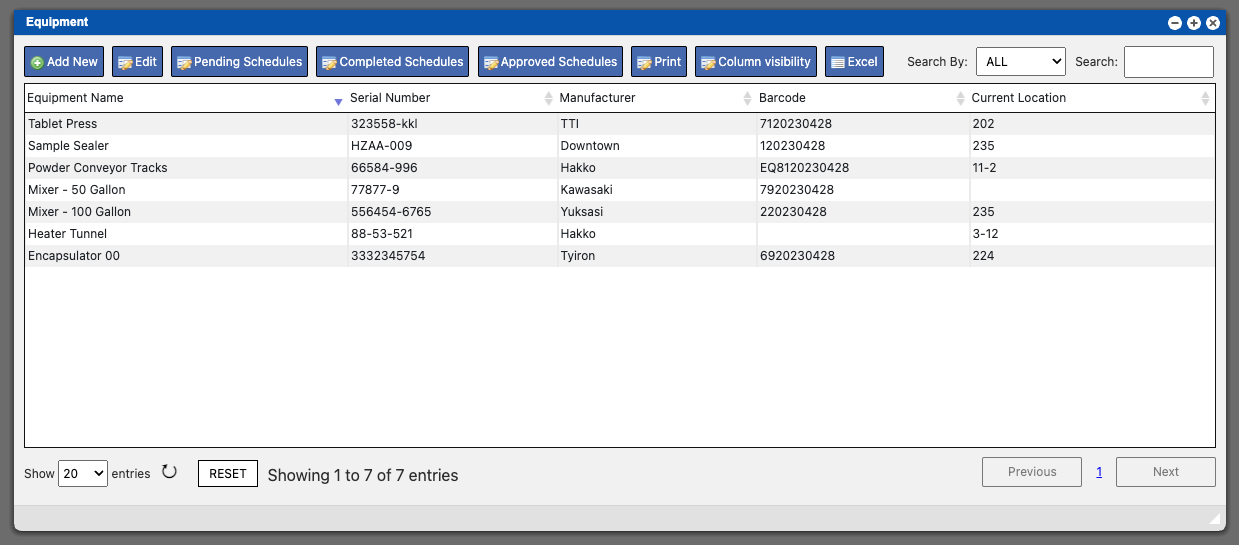
The Equipment page will allow you to setup equipment listings for all of your facilities equipment within the Virtual Ops system. These entries will contain

The Equipment page will allow you to setup equipment listings for all of your facilities equipment within the Virtual Ops system. These entries will contain
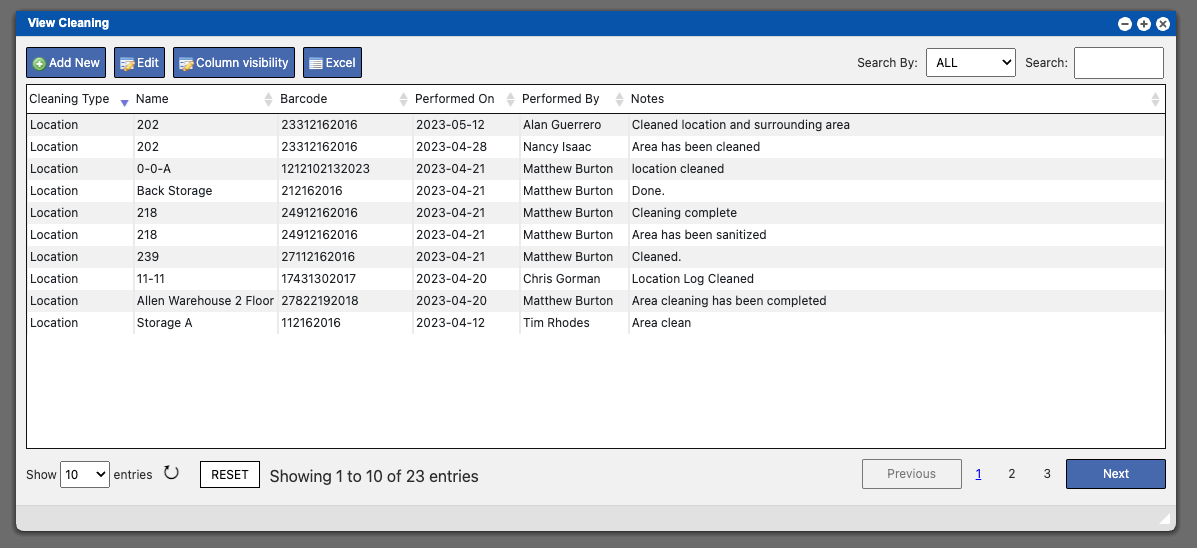
The Cleaning page will display a grid containing all cleaning tasks that have been performed. These entries can be sorted by clicking the column titles,
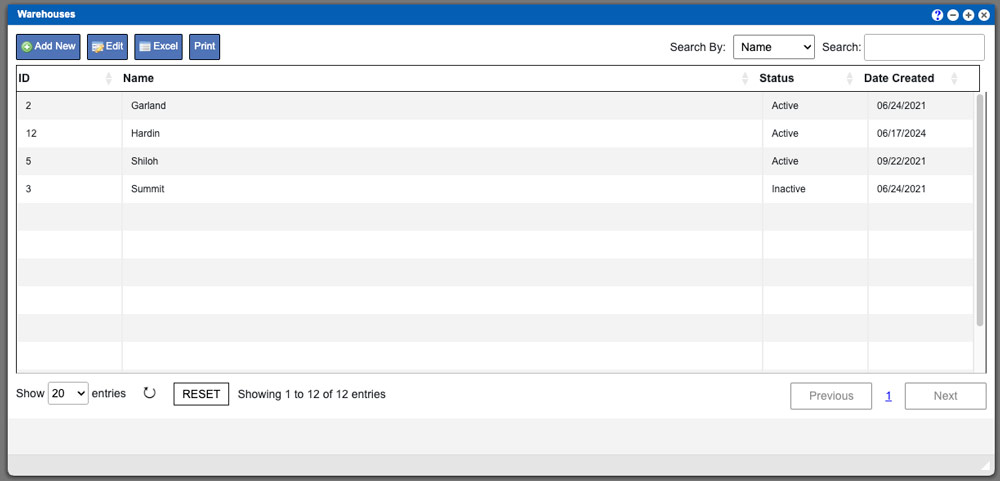
The Warehouses section allows you to create and view the available Warehouses in your Virtual Ops system. This particular section of the system only deals
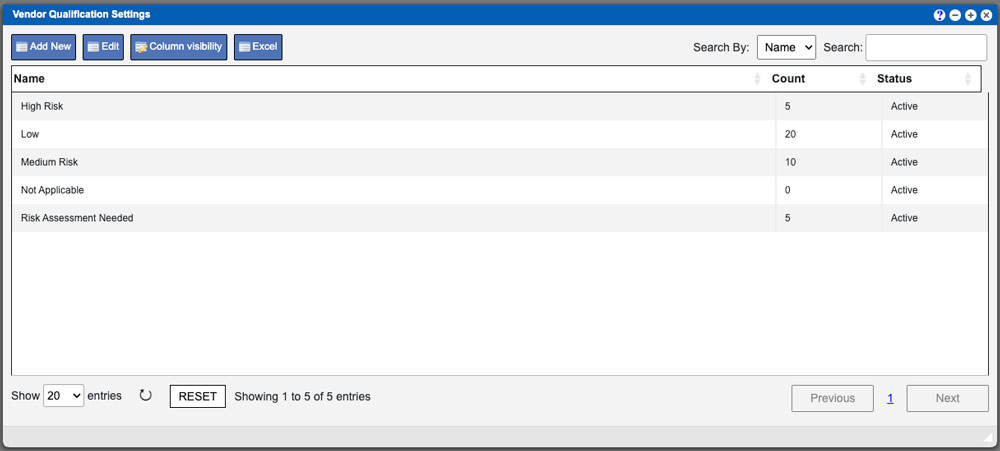
This help page will outline what Vendor Qualification settings are and how to create them. Vendors in your Virtual Ops system refers to the company
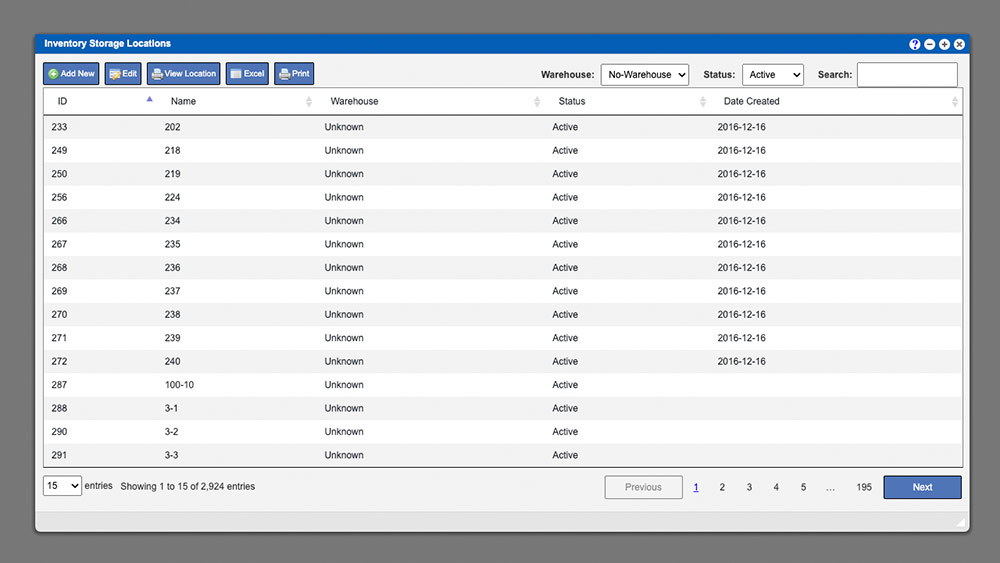
The Inventory Storage Locations grid allows you to find and manage the locations where your items are stored. You can begin narrowing your grid results
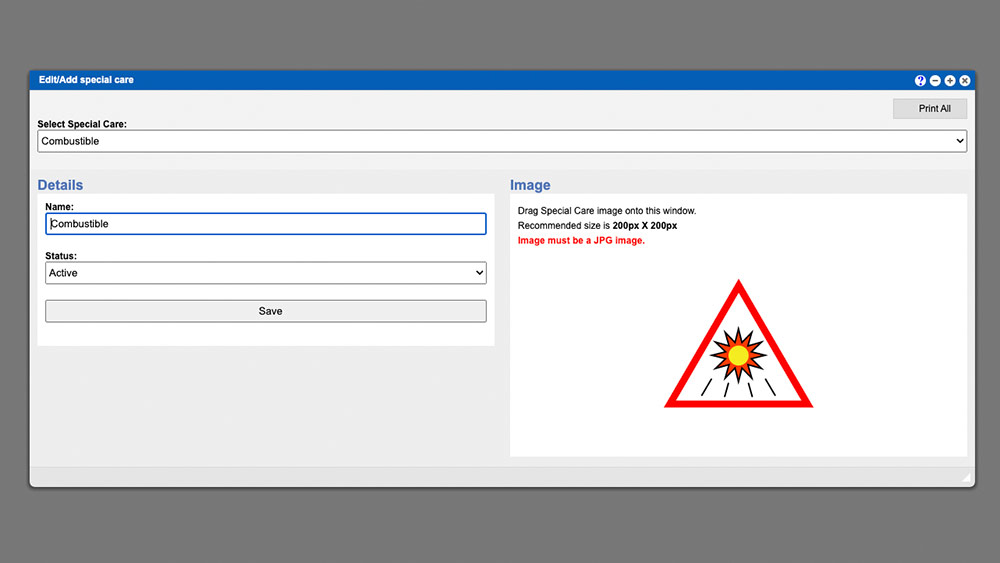
The Special Care section allows you to manage the Special Care notices for your system. Once the window has opened click the dropdown input to
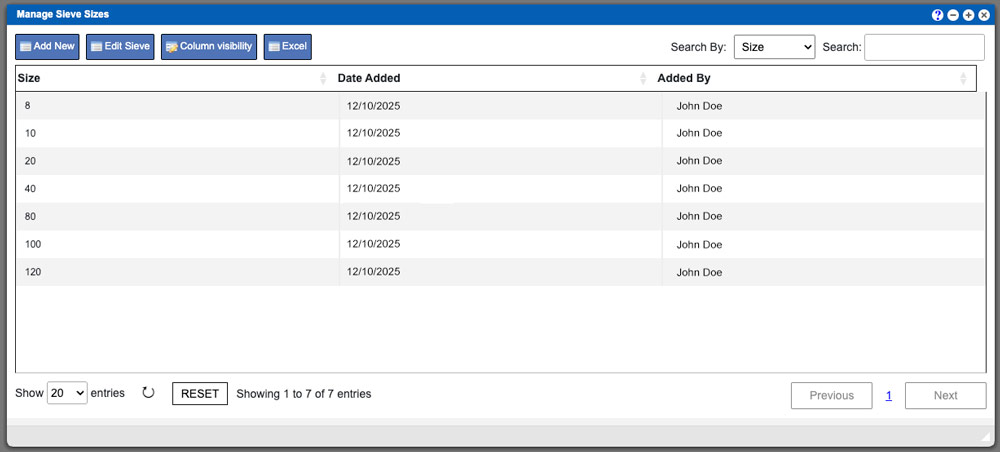
The Sieve Sizes section in your Virtual Ops system allows you to create the sizes of sieves used in your facility. The created entries here

PO Pack units are user created entries in the Virtual Ops system that are used for designating how components/ingredients are to be packaged by the
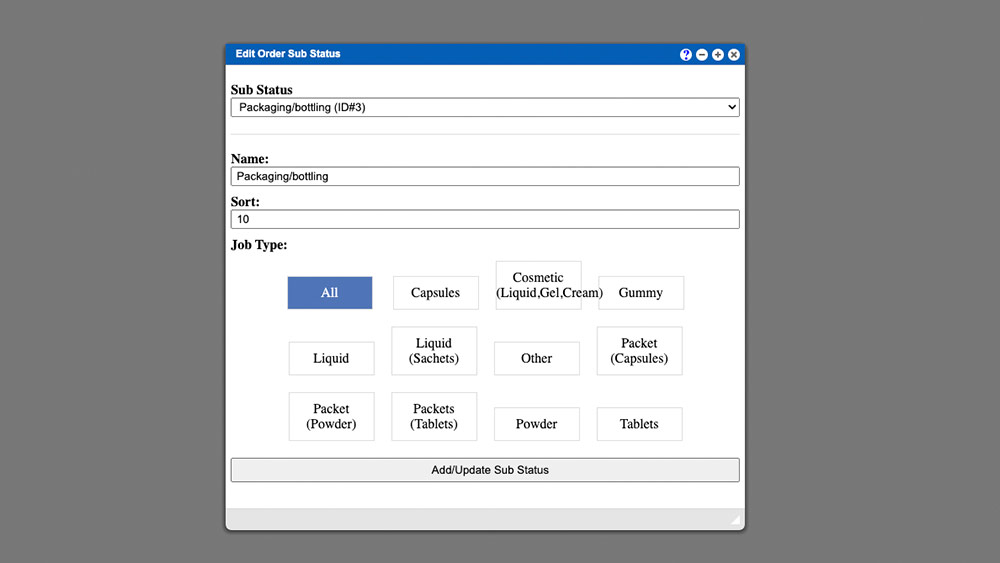
The BPR Sub Status section allows you to edit and or create new Order Sub Statuses for your system. Once the window has opened click