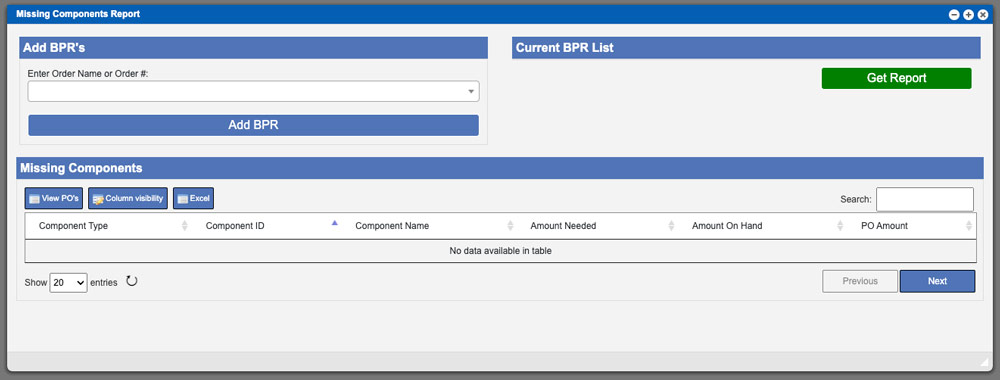
Missing Components Report
The Missing Components Report page will allow you to see review missing components needed for current BPR’s in the system. To being this process enter

The Missing Components Report page will allow you to see review missing components needed for current BPR’s in the system. To being this process enter
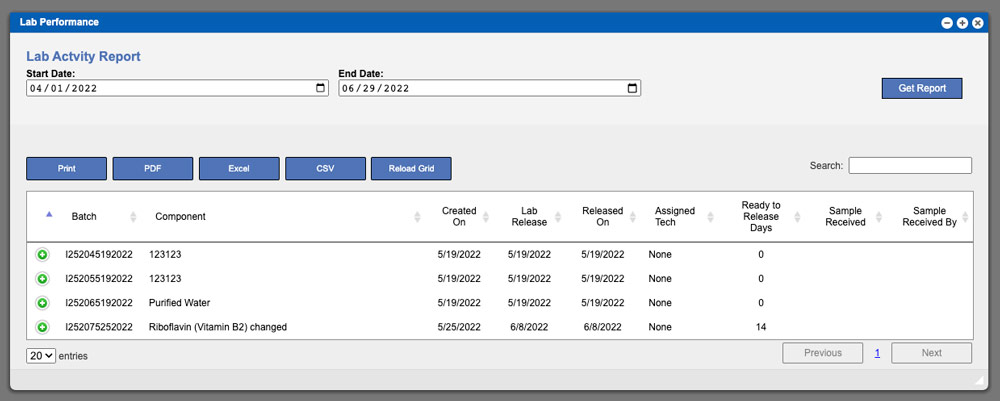
The Lab Activity report will display the history of lab status changes until the batch was released. To begin this process, select a date range
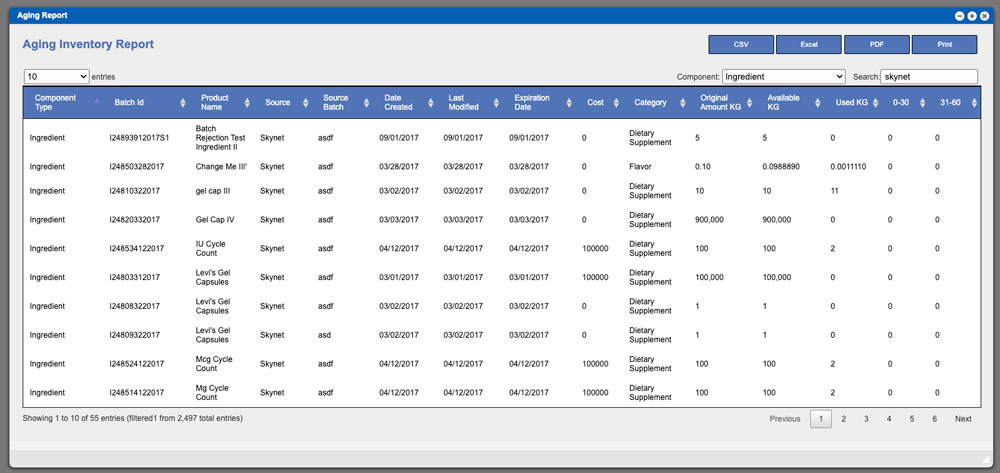
The Inventory Aging report will show the age of inventory based on when it was created in the system. Begin the process by selecting a
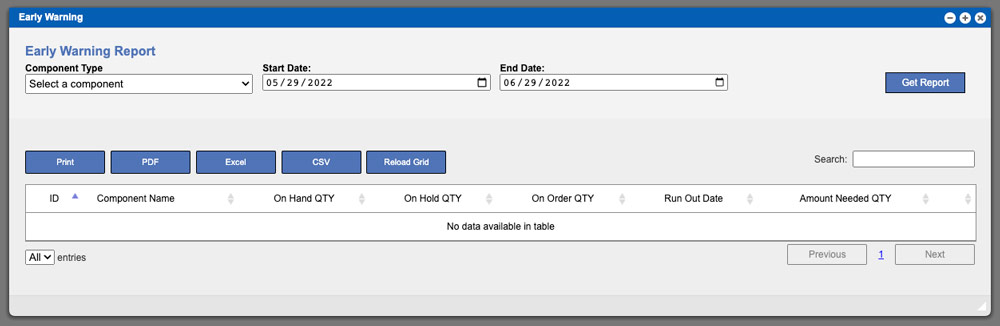
The Early Warning report is much like the Activity Report but will show you results by component type and not by a specific component. This
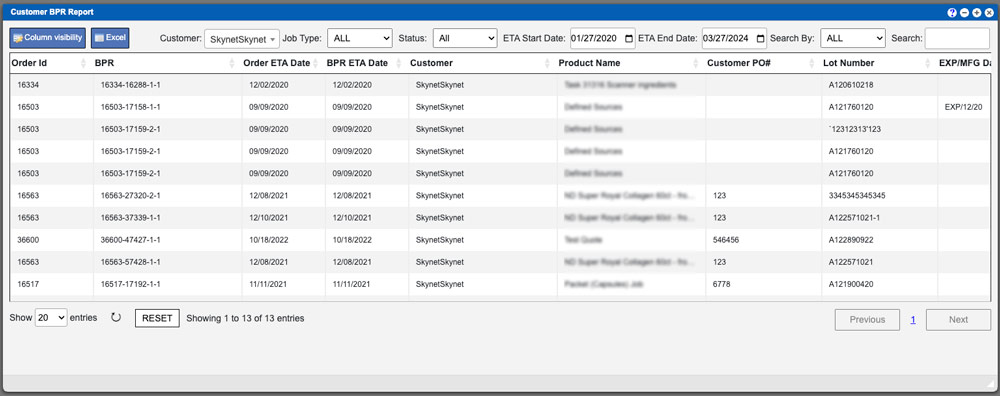
The Customer BPR Report grid will display BPRs that have been completed for a customer. Begin this process by selecting an option from the Customer
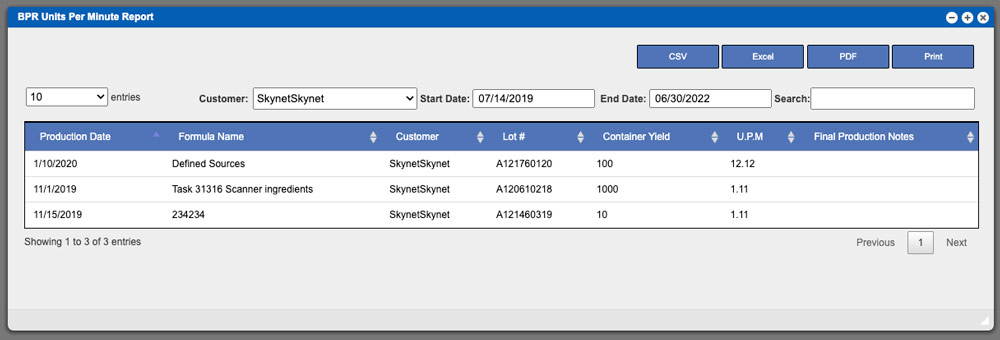
The BPR Units Per Minute Report will display the units per minute for completed BPRs. To begin this process start by selecting a customer from
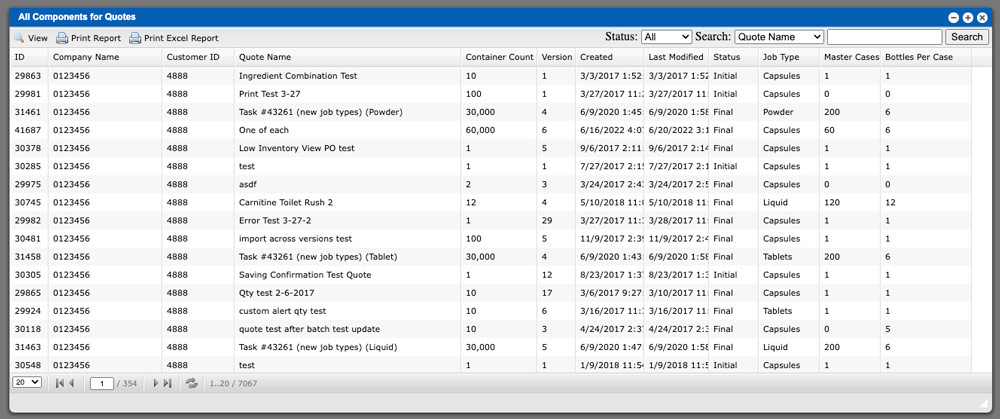
The all Components for Quotes grid will display all available quotes in the system. The primary function of this page is to allow you to
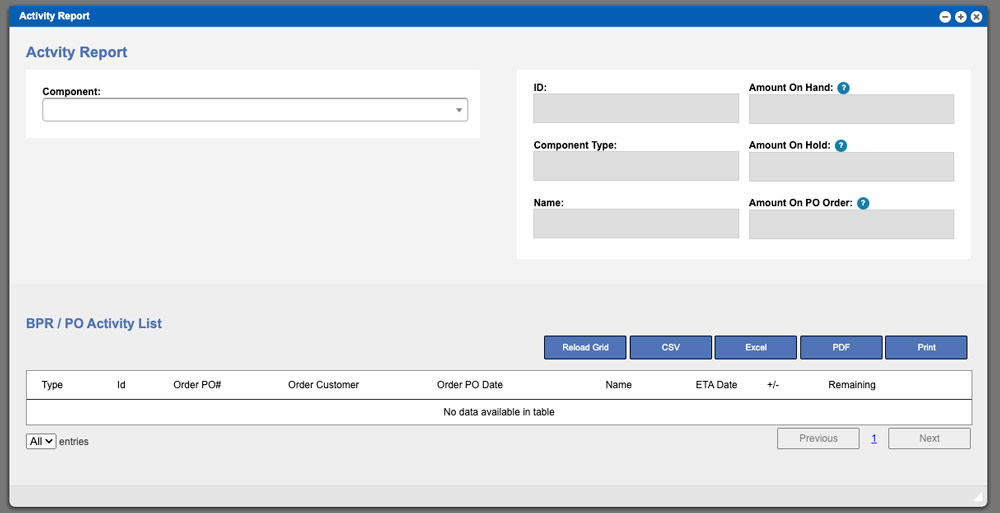
The Activity Report page will show you all activity on a component or ingredient. Begin by clicking the Component dropdown, search for your component and
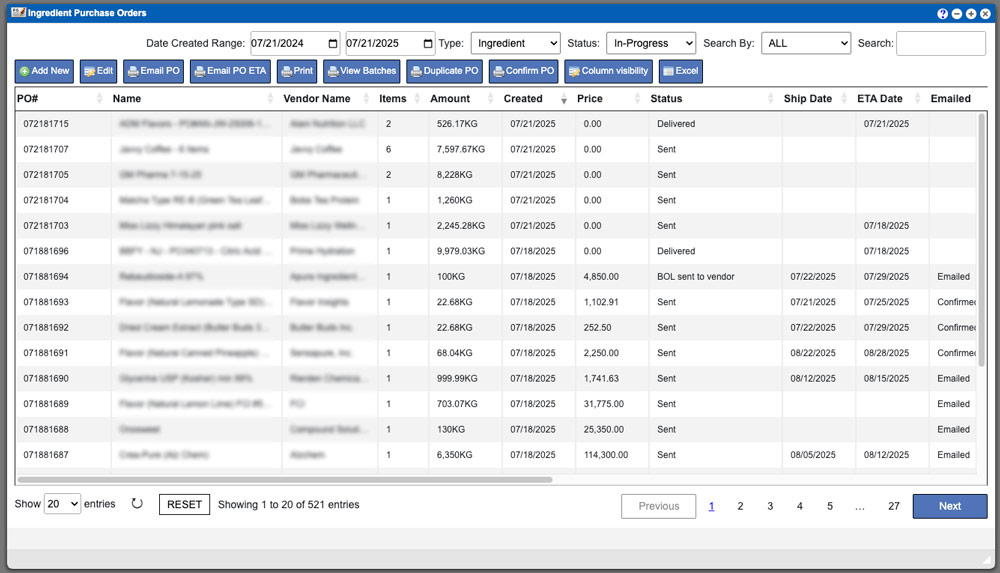
The Component POs grid will display all purchase orders per the selected component type from the menu; you can change the component type while viewing