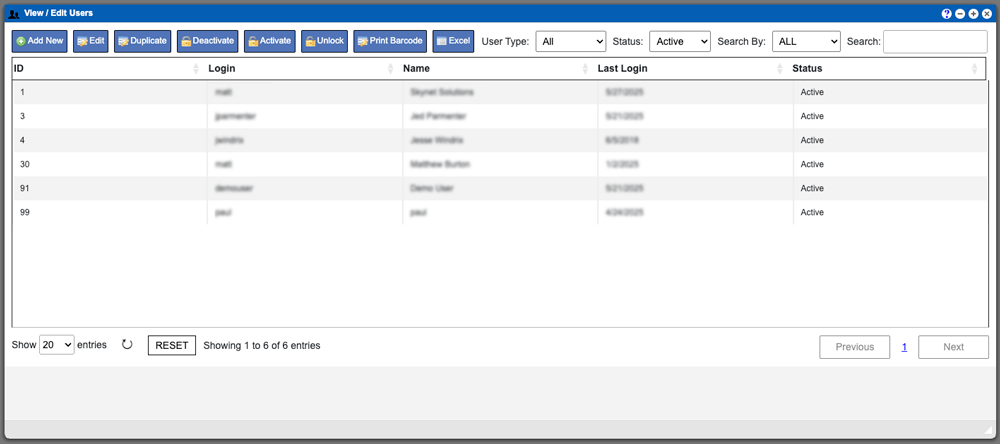
Users
The Users section in the Administration menu drop down will allow those with proper permissions to manage users, create users, unlock users and user permissions

The Users section in the Administration menu drop down will allow those with proper permissions to manage users, create users, unlock users and user permissions
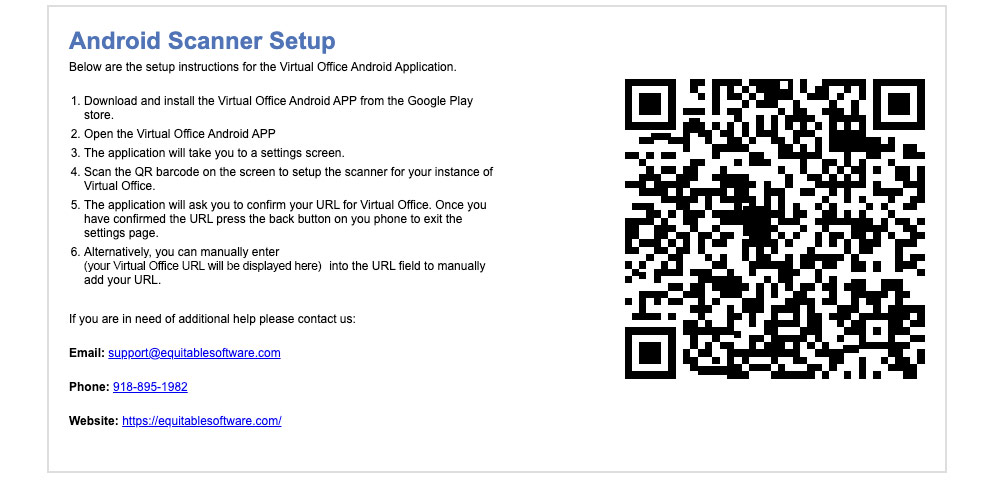
This page can help you with getting your scanners setup on the Virtual Ops system. There are two options within this drop down. Virtual Ops
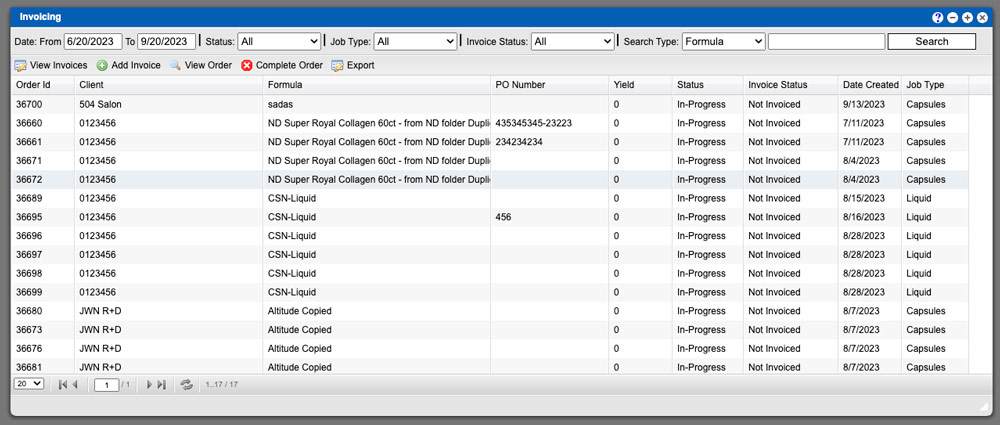
The Invoicing grid allows you to see all invoices created within your system. You can input your invoicing details, edit or complete an order in
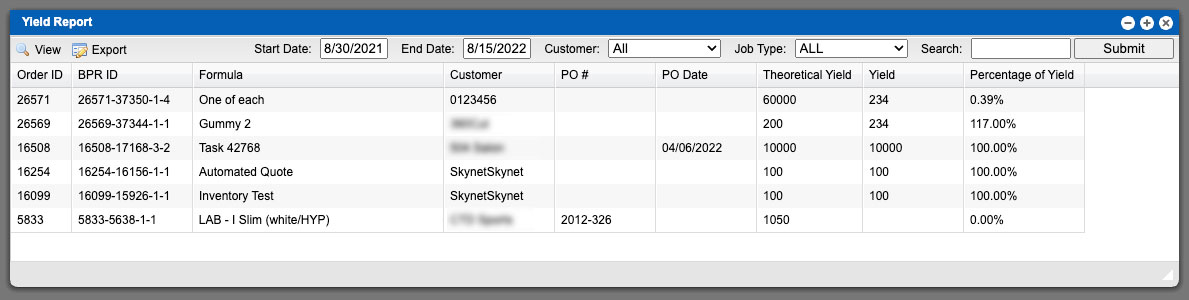
The Yield Report function will display the yield for Batch Production Records (BPR’s) in your Virtual Ops system. It will categorize the BPR’s Yield, Theoretical
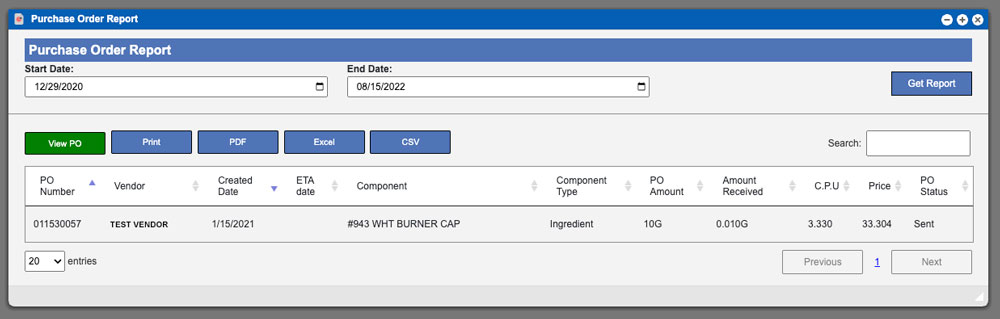
The View PO Report function will allow you to search for Purchase Orders (PO’s) created within your Virtual Ops system. You can start this process
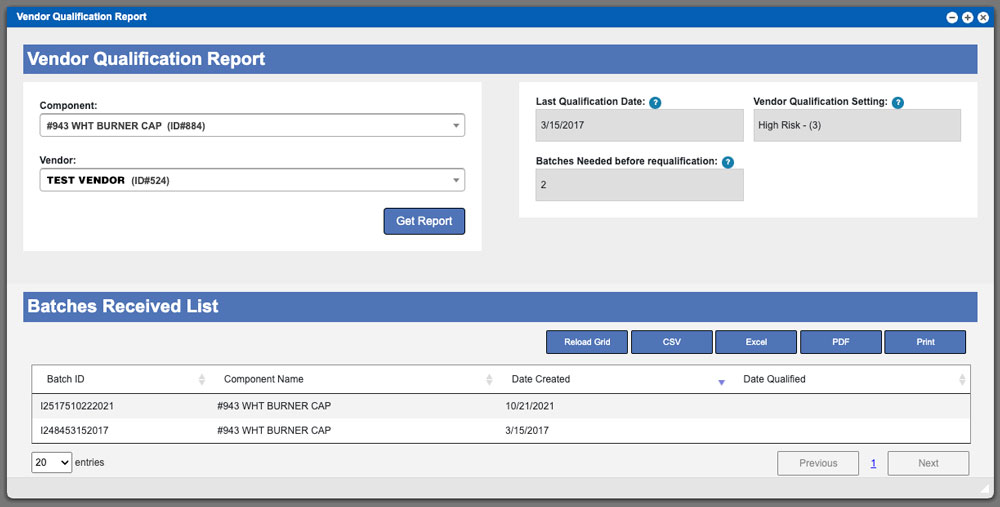
This pages function is to show you the progress for Vendor Qualification for any vendor/component in your Virtual Ops system. This report will show you
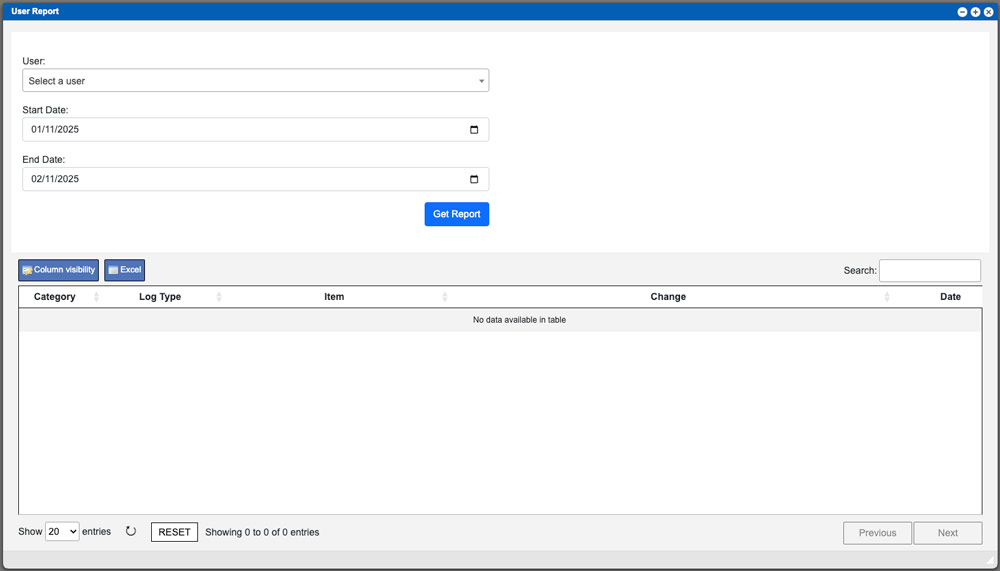
Information coming soon. Virtual Ops System Location/Navigation: Reports > User Report
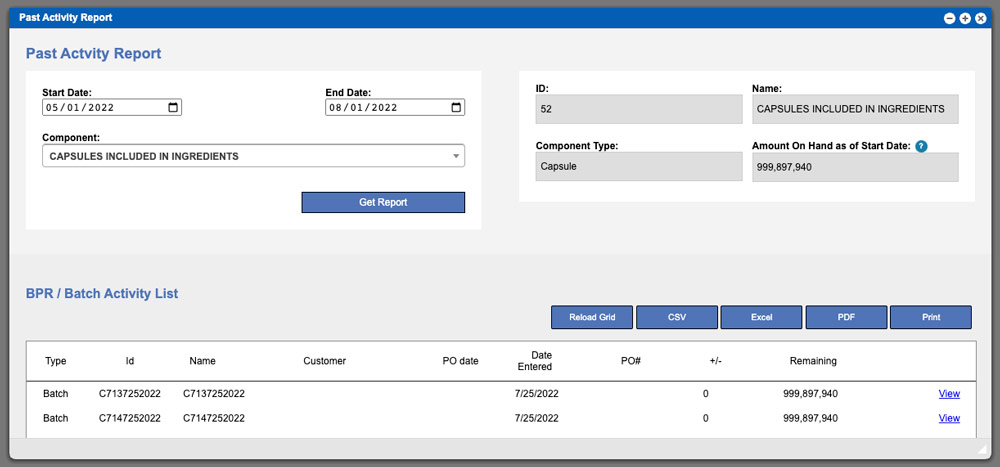
Information coming soon. Virtual Ops System Location/Navigation: Reports > Past Activity Report