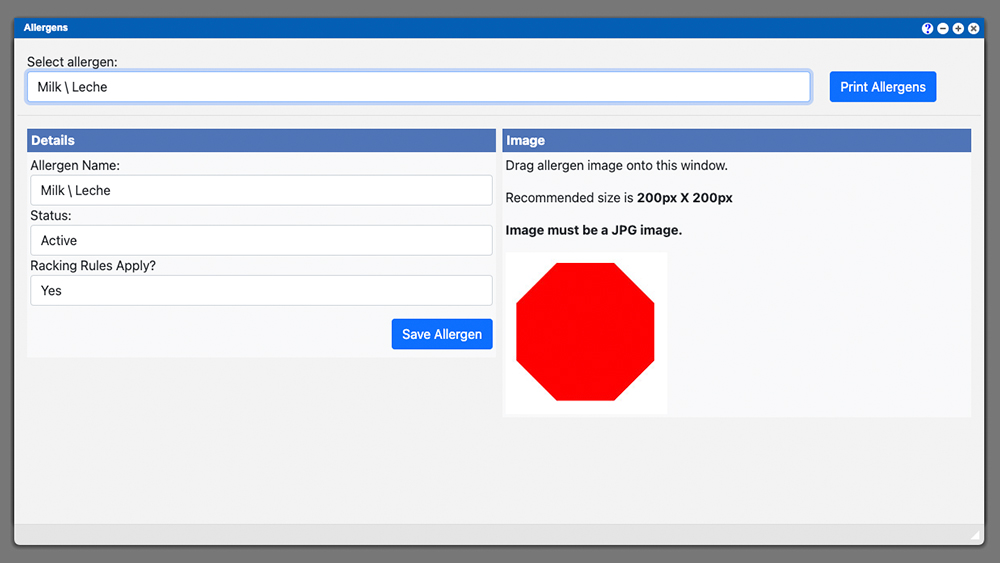
Allergens
VO System Location/Navigation: Administration > Configuration > Allergens The allergens section allows you to edit and or create new Allergens for your system. Click the

VO System Location/Navigation: Administration > Configuration > Allergens The allergens section allows you to edit and or create new Allergens for your system. Click the
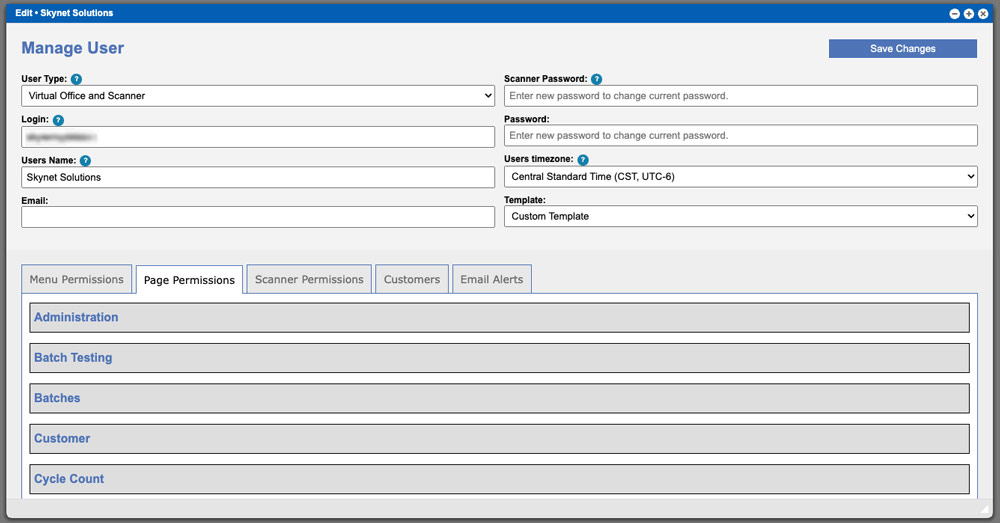
This page will outline each permission and where in the system the permission applies. Virtual Ops System Location/Navigation: Administration > Users > Manage Users (Select
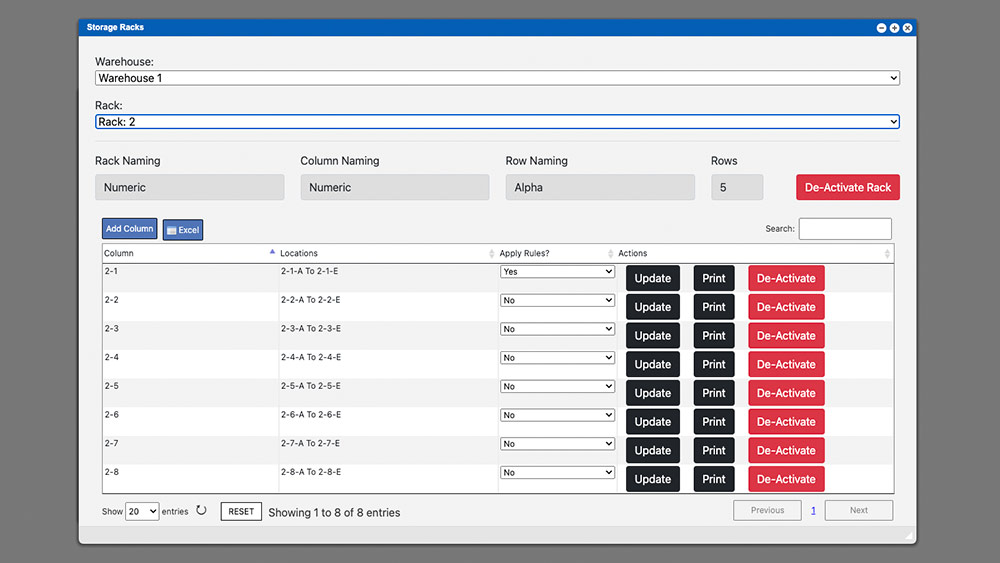
Storage Racks should be setup in the initial onboarding process but can also be set up later or when new warehouses or storage racks are
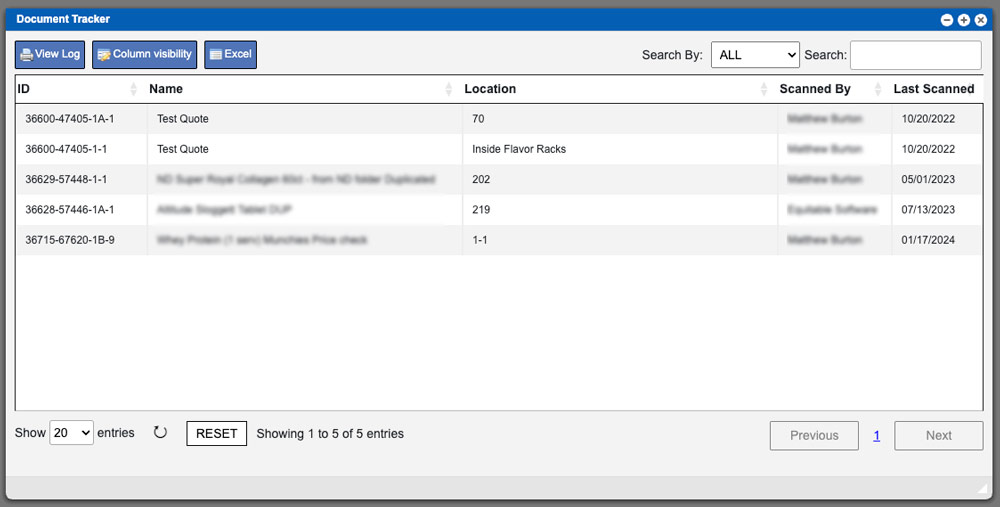
The document tracker grid will display all BPR documents that are currently being tracked. These entries can be sorted by clicking the column titles, using

The Compare BRP menu item will allow a user to compare two different Batch Production Records (BPR) or versions. Start the process by selecting the
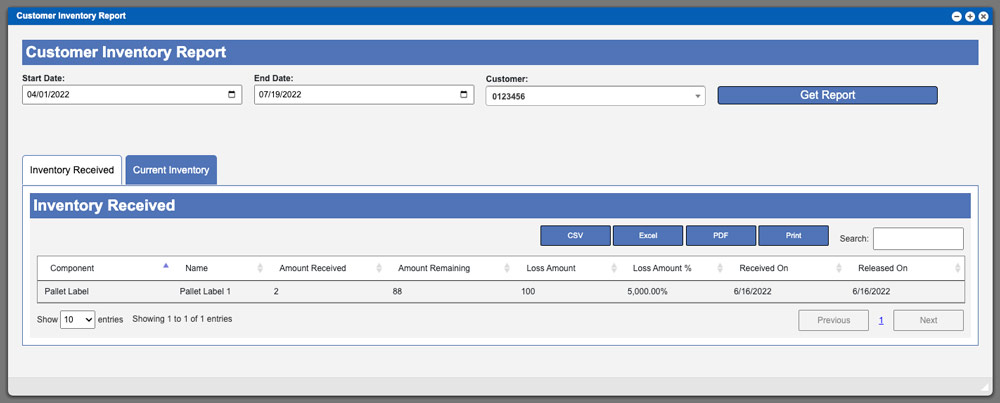
The Customer Inventory Report page allows you to view inventory received for a specific customer. To begin this process start by selecting your start and
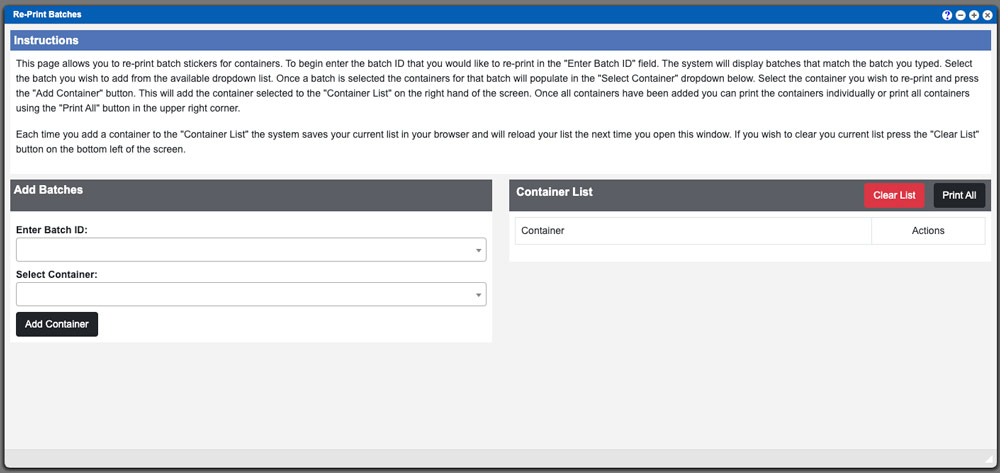
The Re-Print Inventory (stickers) page allows you to re-print batch stickers for containers. Virtual Ops System Location/Navigation: Inventory Batches > Re-Print Inventory To begin
The Lot lock Grid will display all lots that can be locked. These entries can be sorted by clicking the column titles, using the search
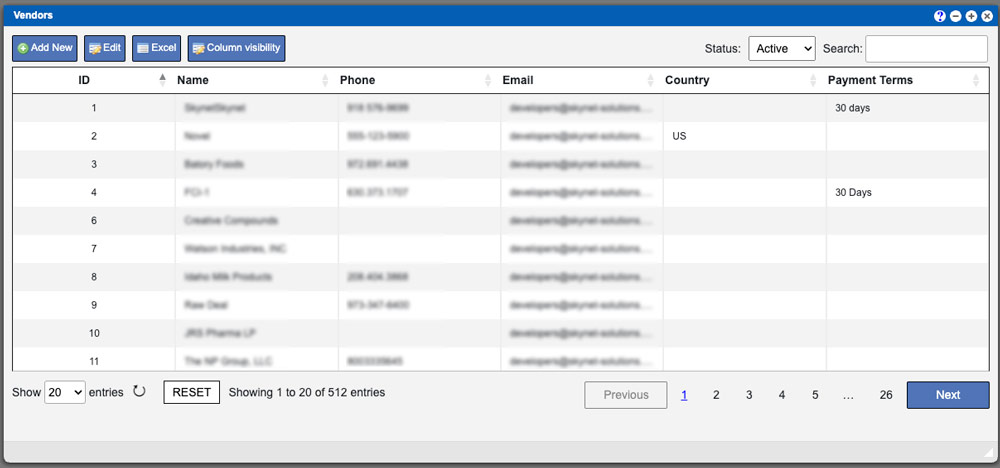
Vendors are the providers of your components and ingredients. This is needed for creating formulas for quotes and submitting PO’s (purchase orders) through the Virtual