Dashboard
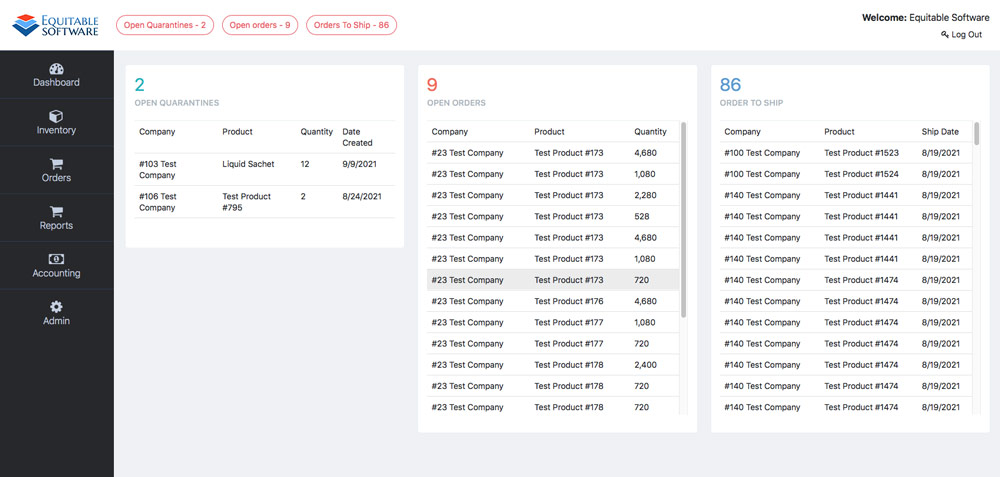
The Fulfillment Dashboard contains several useful information metrics and links. You can inspect the individual lists of your open quarantines, open orders and orders to

The Fulfillment Dashboard contains several useful information metrics and links. You can inspect the individual lists of your open quarantines, open orders and orders to
This section of the help pages will contain general setup and trouble shooting information for the Android scanner application and its use with Virtual Ops.
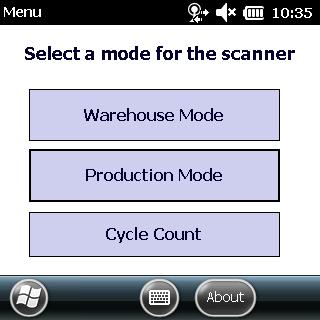
Scanning a BPR (Batch Production Record) First, you should log into the scanner application and select Production Mode from the main menu. Once you have
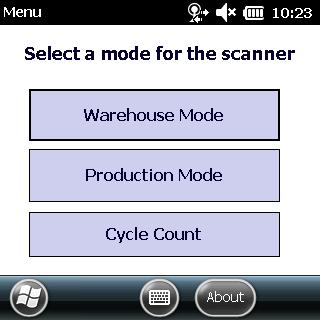
Scanning Items Steps to use Warehouse mode on a Windows scanner. First, you should log into the scanner application and select Warehouse Mode from the
WIFI setup This instructional is to used to set up a WIFI profile on the Windows Mobile Handheld device. To set up WIFI on the
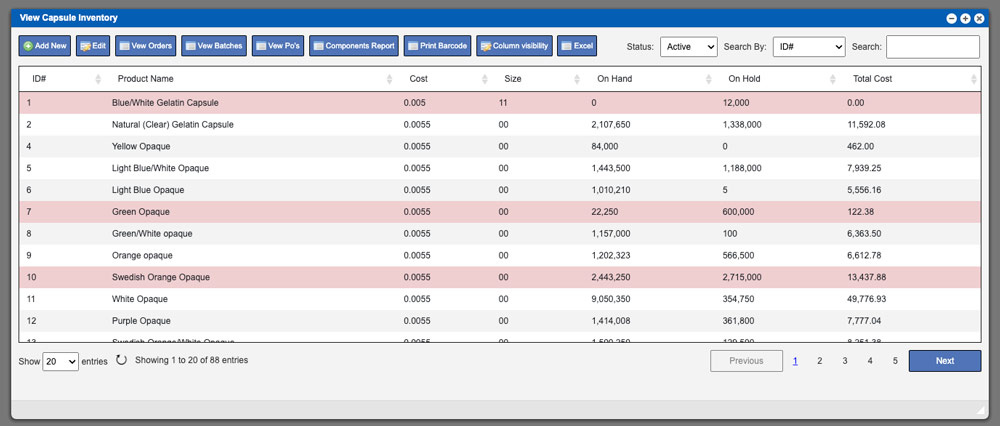
The grid displayed will list all available Inventory components in the system per the type that you are viewing. These entries can be sorted by
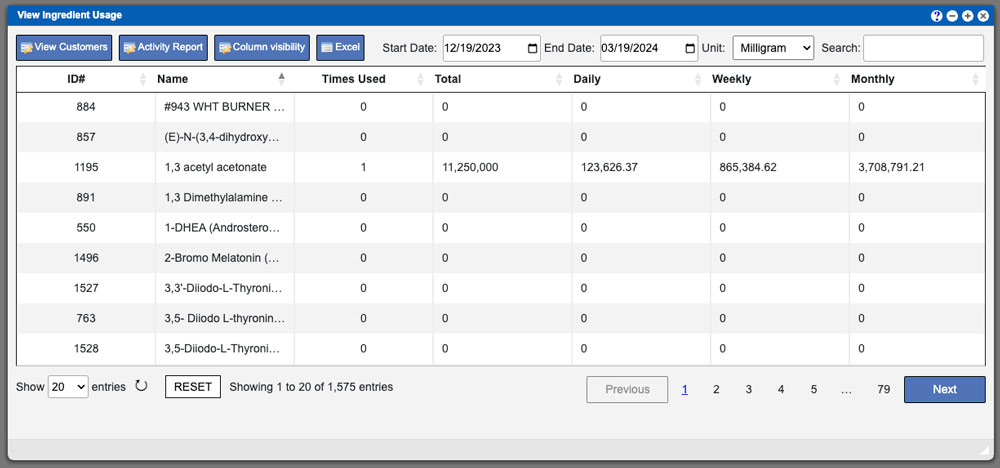
The Item Usage window allows you a convenient way to sort your most used ingredients or components on a daily, weekly or monthly basis. All
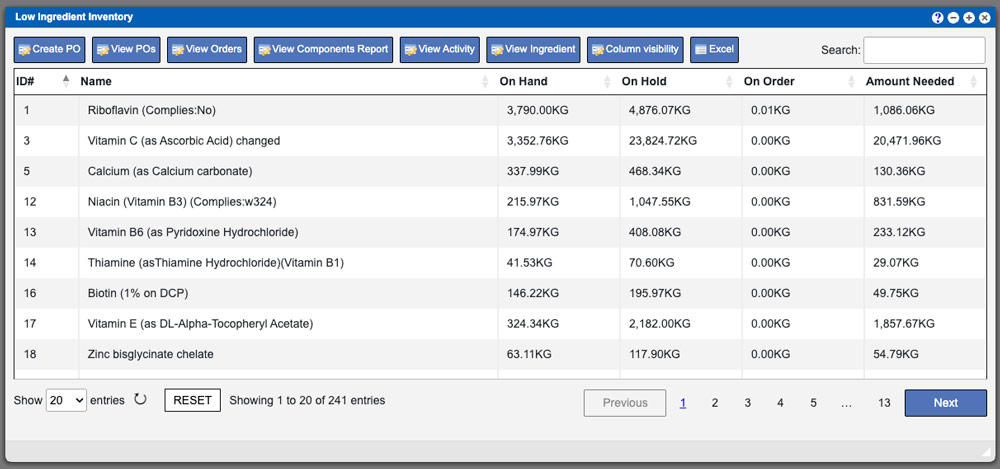
The Low Inventory grid provides a comprehensive view of components potentially requiring purchase orders. Selecting a component type opens a detailed view with sorting and
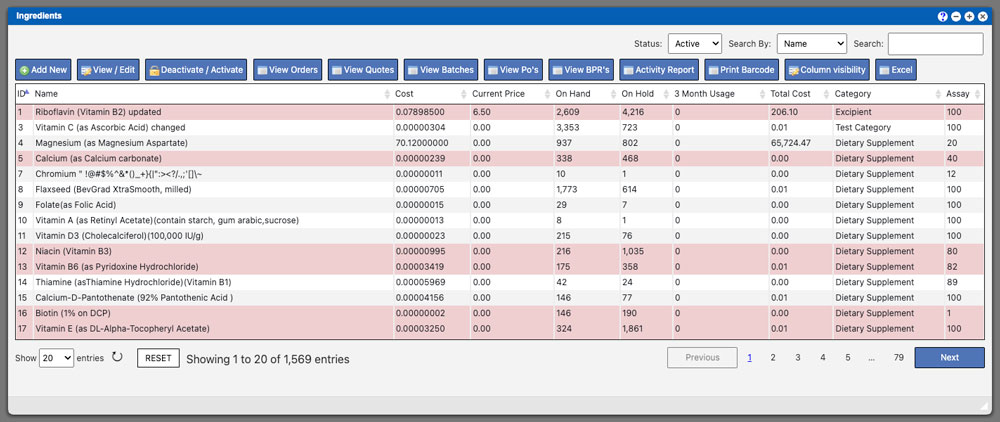
The Ingredients gird allows you to see all ingredients that are currently available or unavailable within your system. This window is beneficial when searching for