Create An Order
Plugins / Fulfillment / Orders Create An Order Create and manage fulfillment orders, assign inventory from pallets, track approval stages, and prepare orders for shipment.

Plugins / Fulfillment / Orders Create An Order Create and manage fulfillment orders, assign inventory from pallets, track approval stages, and prepare orders for shipment.
Plugins / Fulfillment / Orders Orders The Orders page displays all fulfillment orders in the system and provides tools for searching, filtering, editing, printing, and
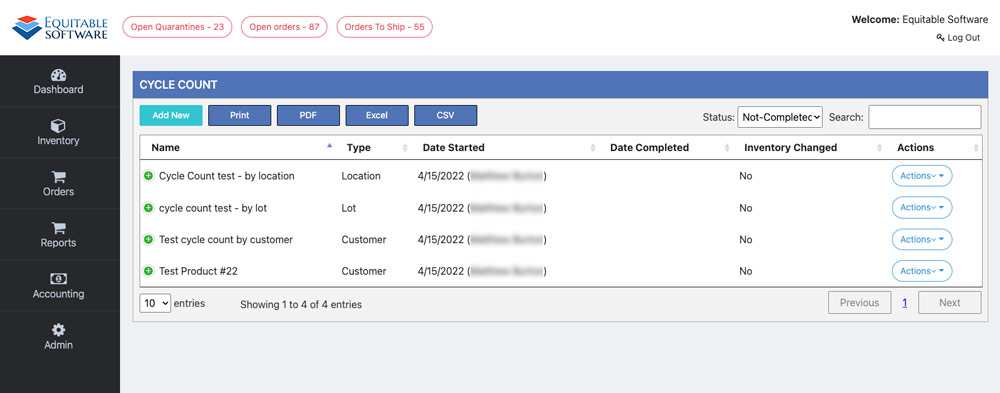
There are four (4) different Cycle Count types available in fulfillment. A basic synopsis of those four types are listed below and further details can
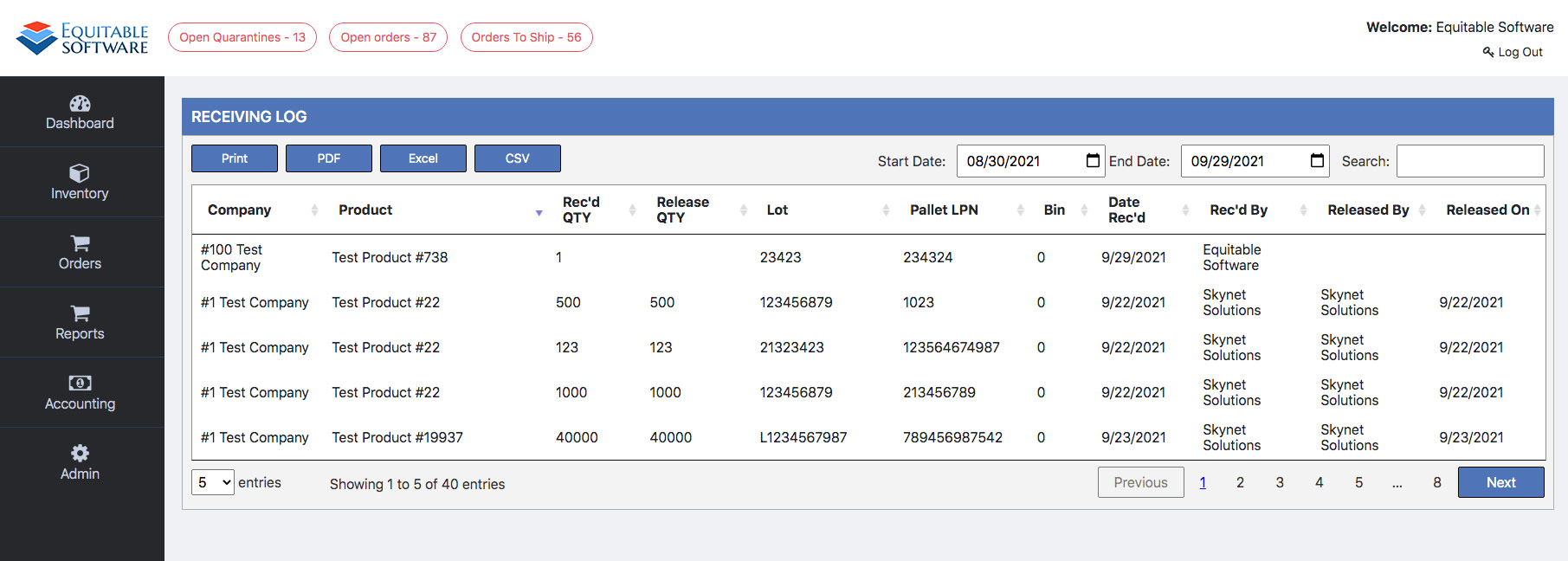
The Receiving Log page displays a log of all items received and released in the system (quarantine and active inventory). It is important to note
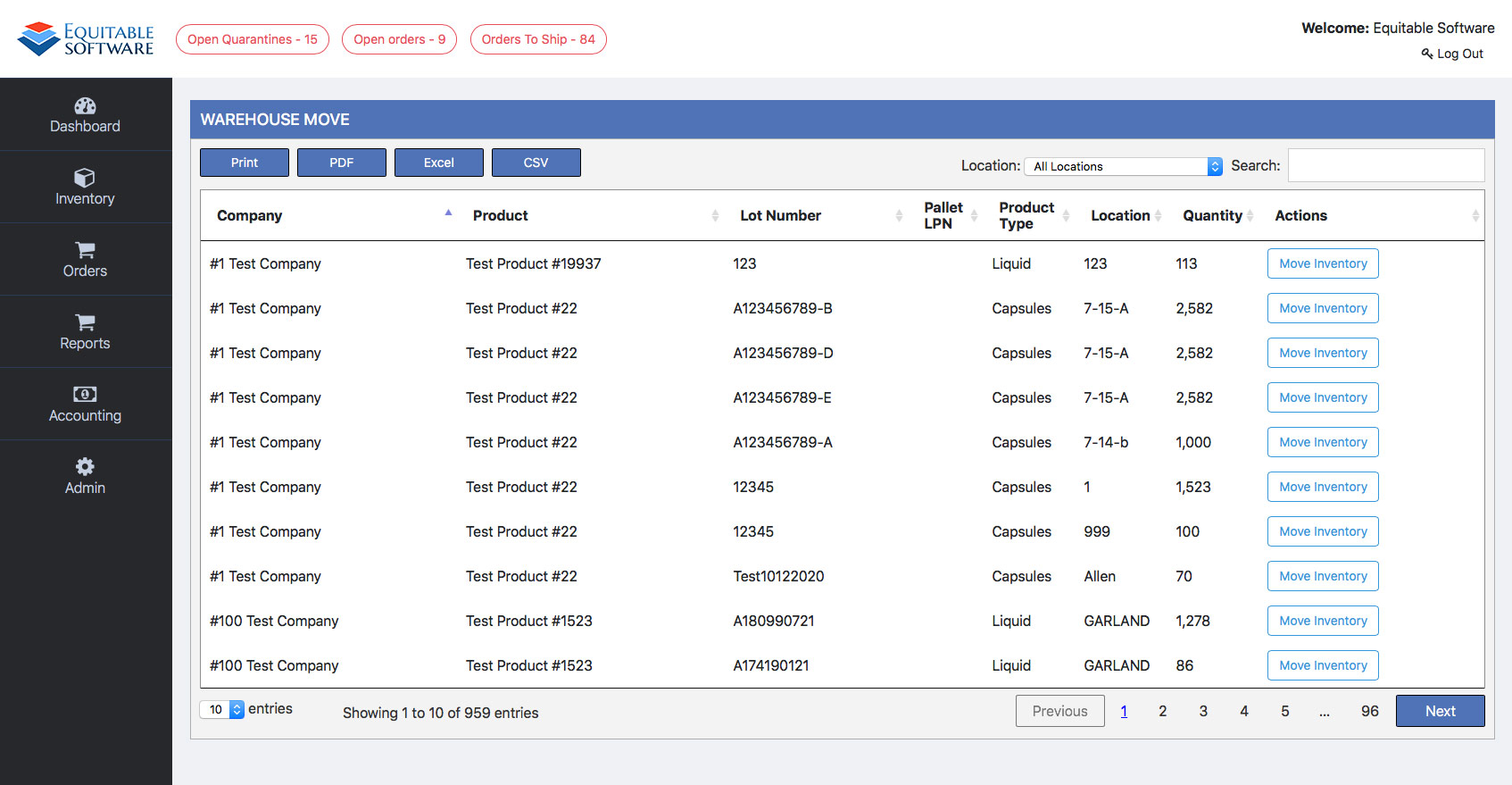
The Warehouse Move page allows you to move inventory from one Warehouse to another. It is important to note that these movements are completed by
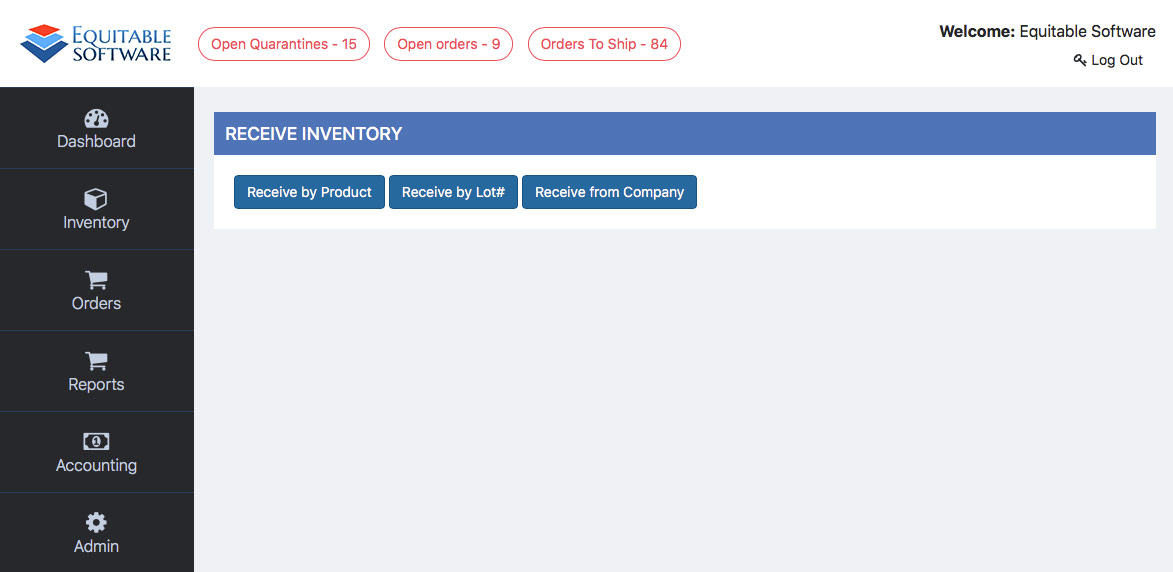
There are three ways to receive inventory into your Virtual Ops system; by product, lot# or by company. Lets start off by going over how
The Fulfillment plugin will contain some items that share functionality traits. This page will contain the bulk of those items. Starting with the grid and
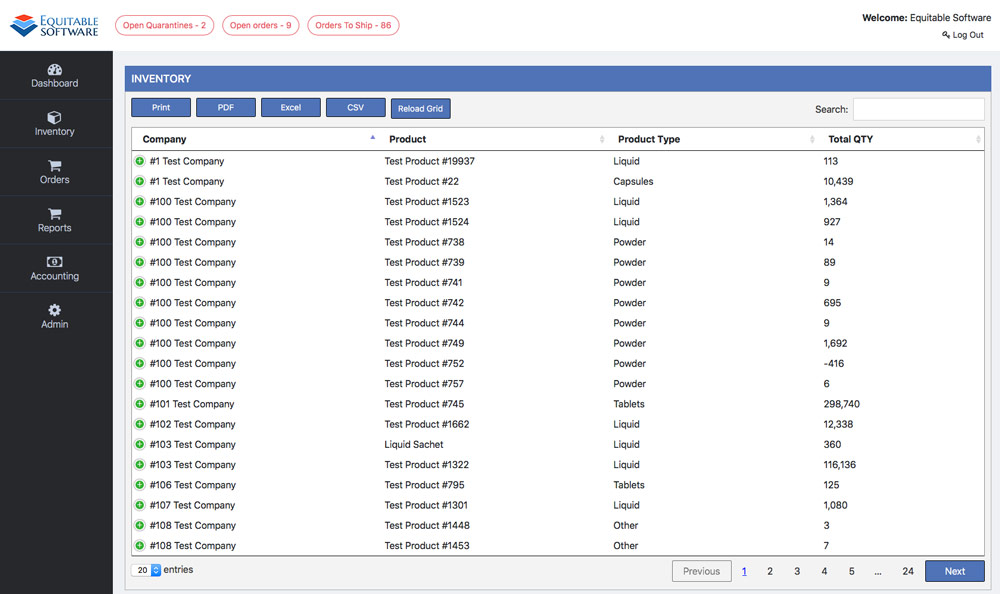
The inventory page contains five sub-pages in total. The first page you land on when clicking on inventory will be the View Inventory page. The
This section will contain help pages for each plugin created for Virtual Ops. Contact us is you would like to integrate a plugin for your