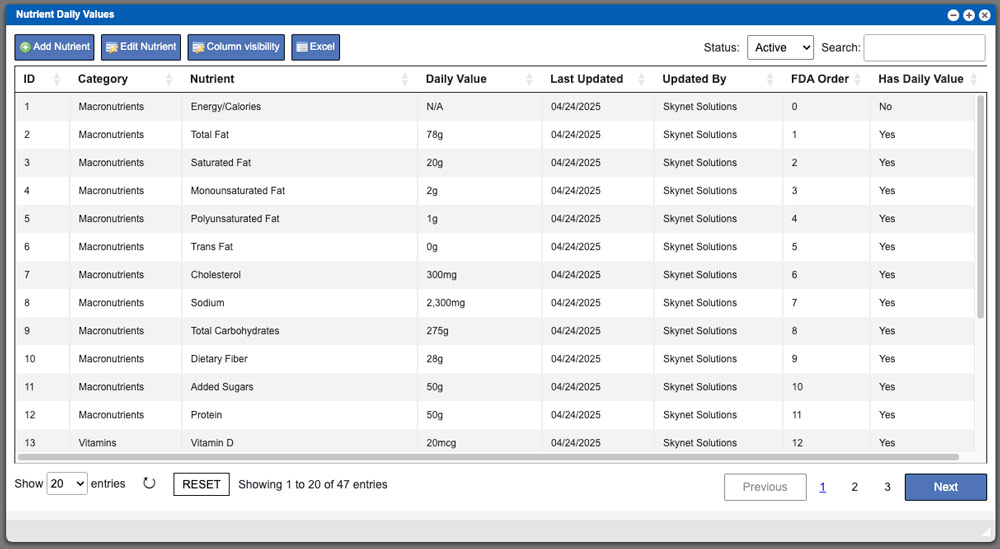
Nutrient Daily Values
Information coming soon… Virtual Ops System Location/Navigation: Administration > Configuration > Nutrient Daily Values Grid Action Buttons: Add Nutrient – Select this action to add

Information coming soon… Virtual Ops System Location/Navigation: Administration > Configuration > Nutrient Daily Values Grid Action Buttons: Add Nutrient – Select this action to add
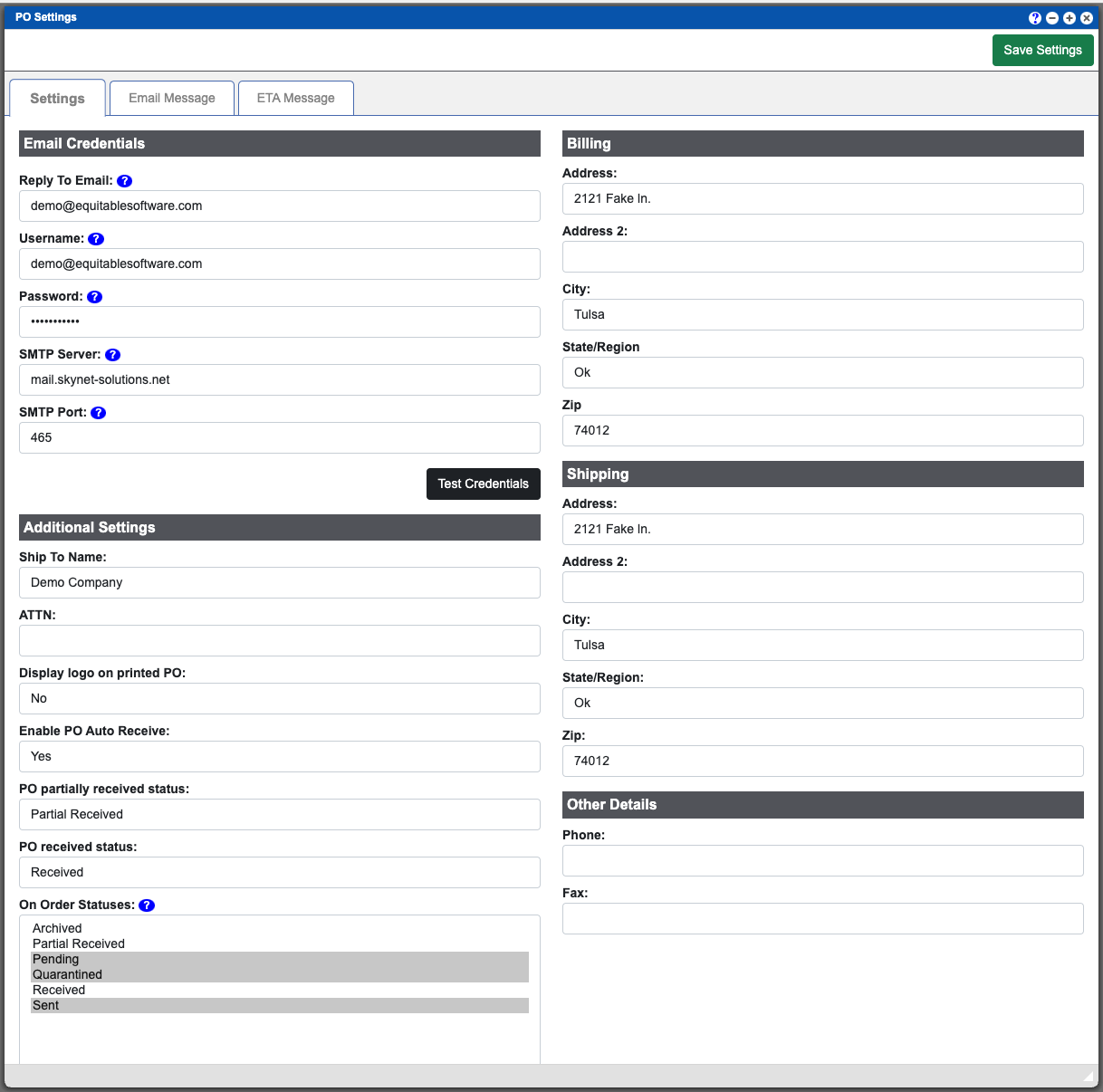
The PO Settings page (Purchase Orders) will contain all of the settings that will allow your VO system to email PO’s. Take notice that there
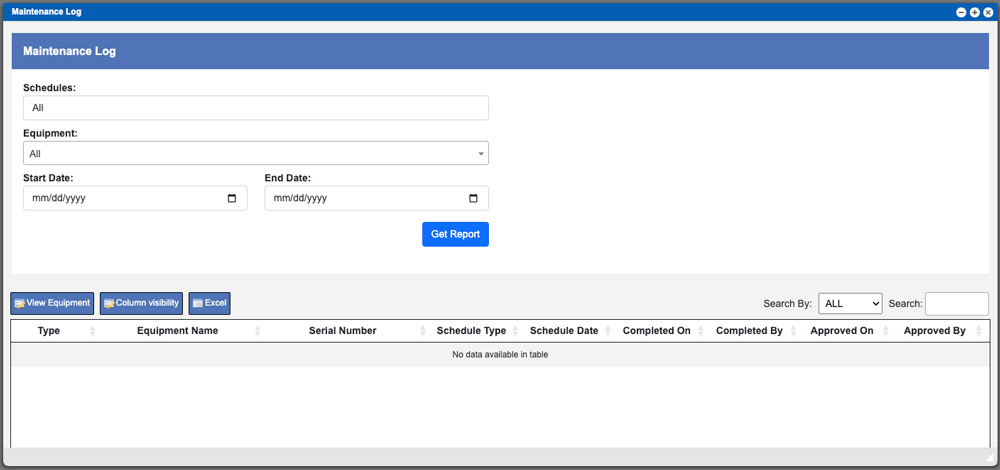
Information coming soon. Virtual Ops System Location/Navigation: Reports > Maintenance Log
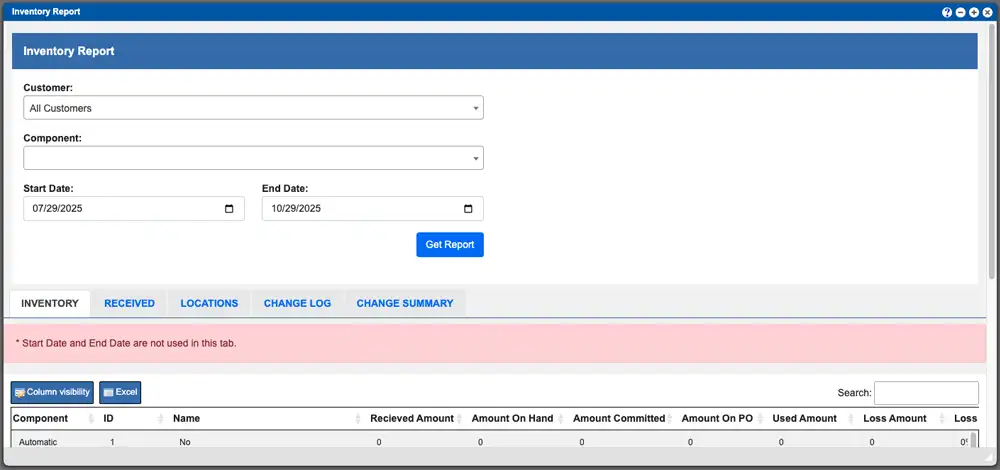
The Inventory Report page consolidates multiple reporting tools into a single, easy-to-navigate interface. Each reporting section can be accessed by selecting its corresponding column title,
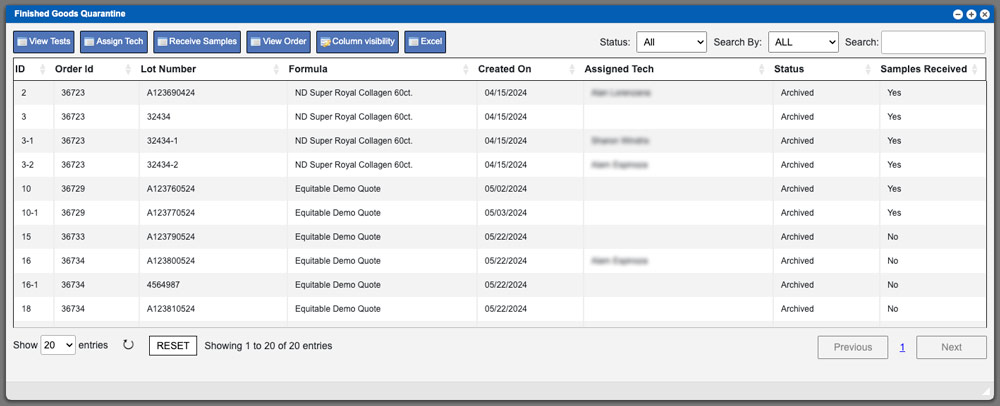
The Finished Goods Quarantine grid will display all Batch Production Records (BPR’s) that are printed and ready for production. These entries can be sorted by
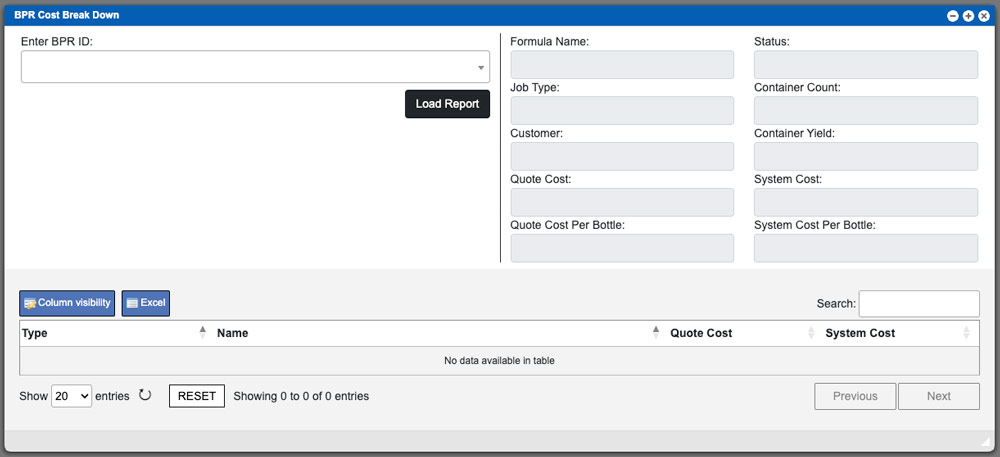
The BPR Cost Break Down report page will allow you to compare your quoted pricing to your actual cost. To being this process enter a
https://www.youtube.com/embed/CtufIFwLBmw After launching the application on your device, scan your user bar code to log into the system. Then select the Location inventory menu item