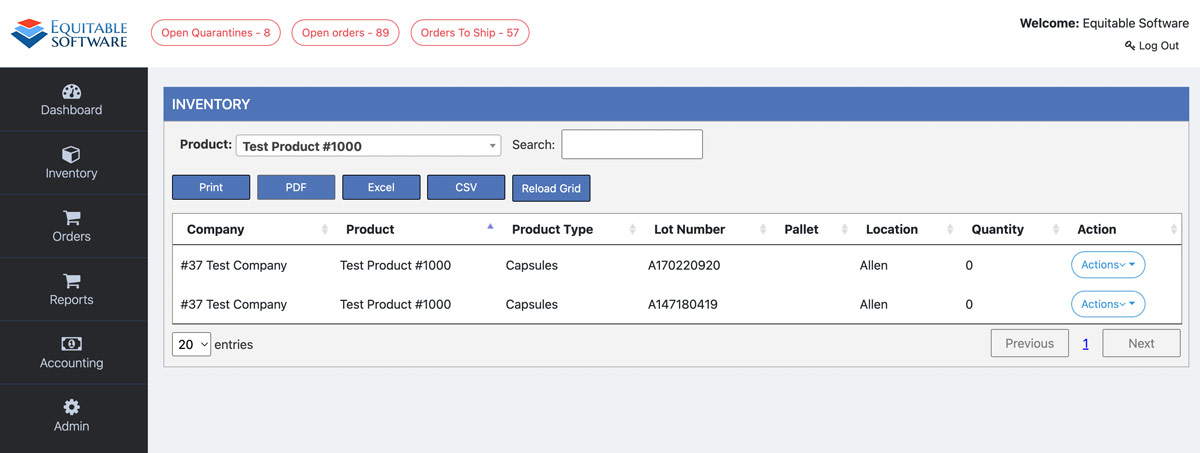
Admin Inventory
The admin inventory page will show all the inventory for a product, including pallets, with a zero (0) quantity and allow you to view or

The admin inventory page will show all the inventory for a product, including pallets, with a zero (0) quantity and allow you to view or
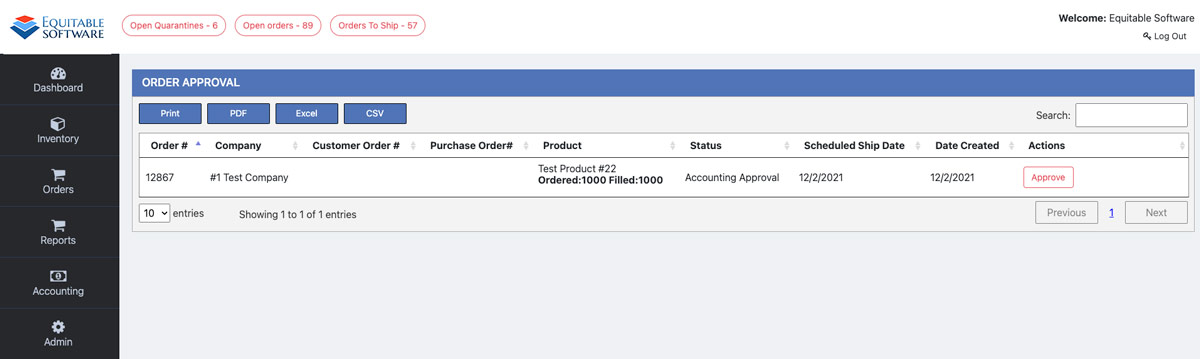
On the Order Approval page you can view and approve orders if your user has the Account Approve Orders permission. For more information on account
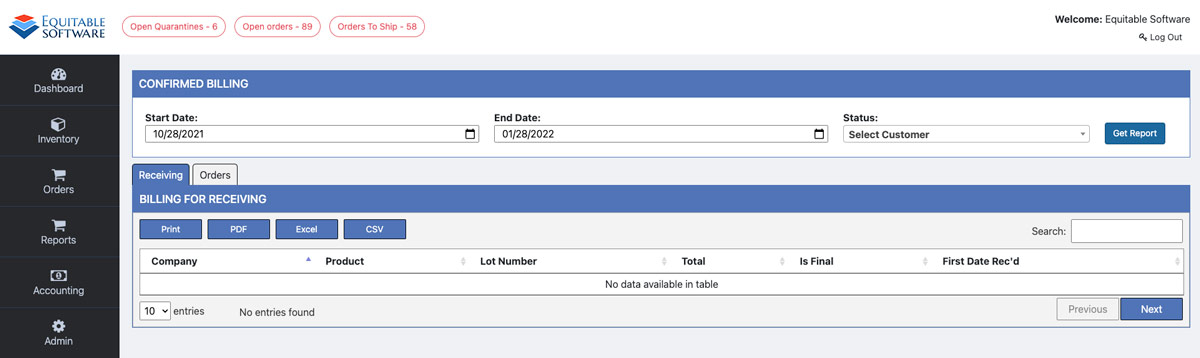
The Confirmed Billing page will allow those with the Manage Billing permission a way to find and sort billing for Receiving and Orders. For more information
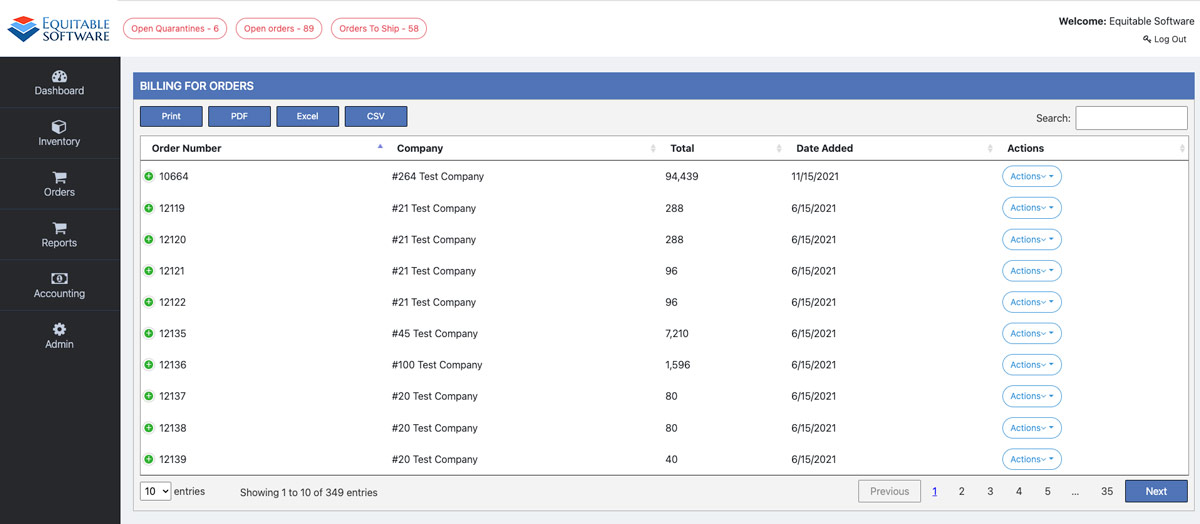
The Billing For Orders page will allow those with the Manage Billing permission to view companies that are marked as Bill on Shipment and have
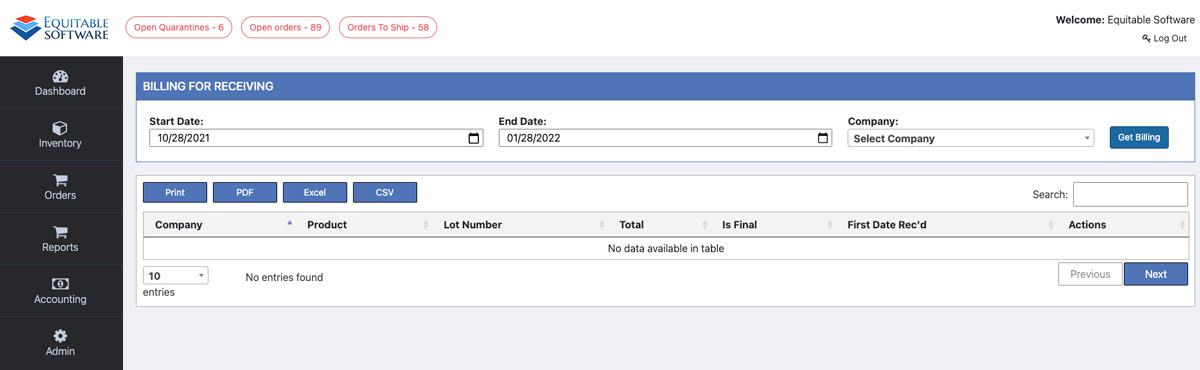
The Billing for Receiving page will allow those with the Manage Billing Permission to view companies that are marked as Bill on Inventory Release and
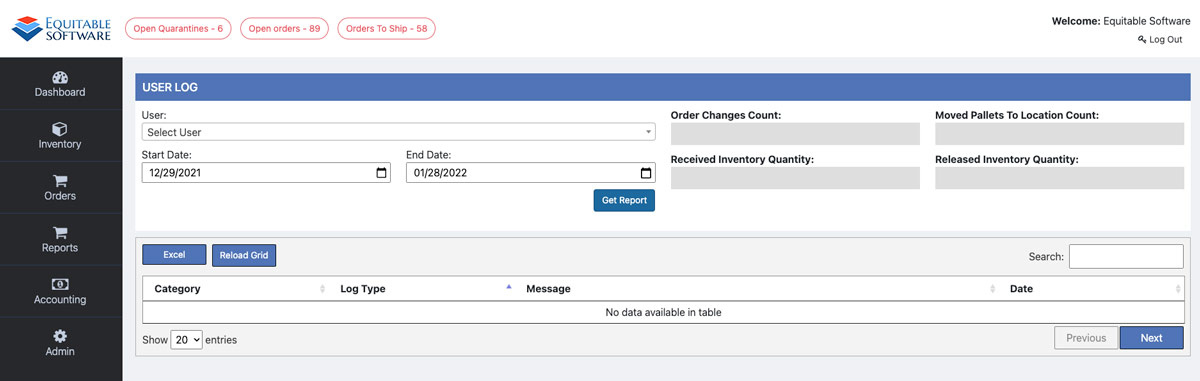
The User Log Report page will show all user activity that is tracked in fulfillment. Start by selecting or search for a user in the
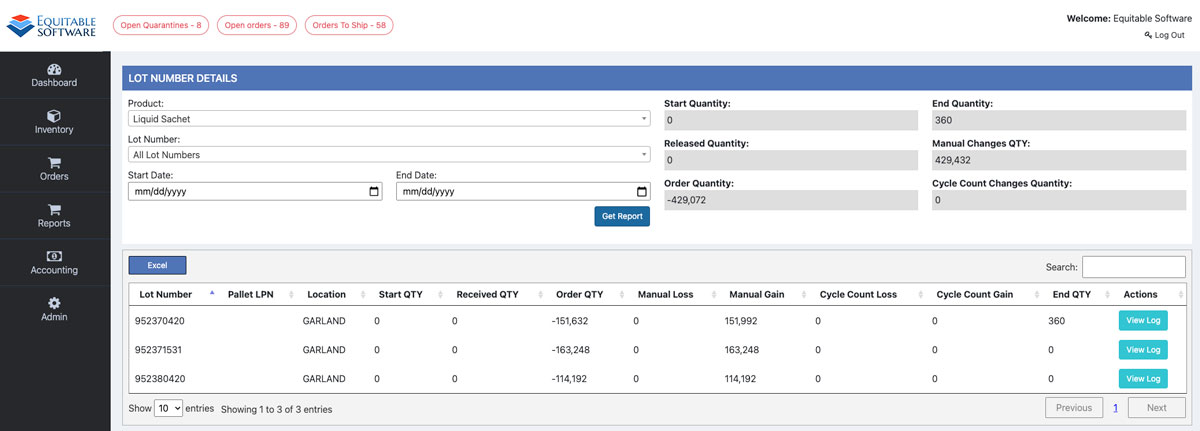
The grid on the Lot Number Report page allows you to filter by specific products and lot numbers. You can also view all lot numbers
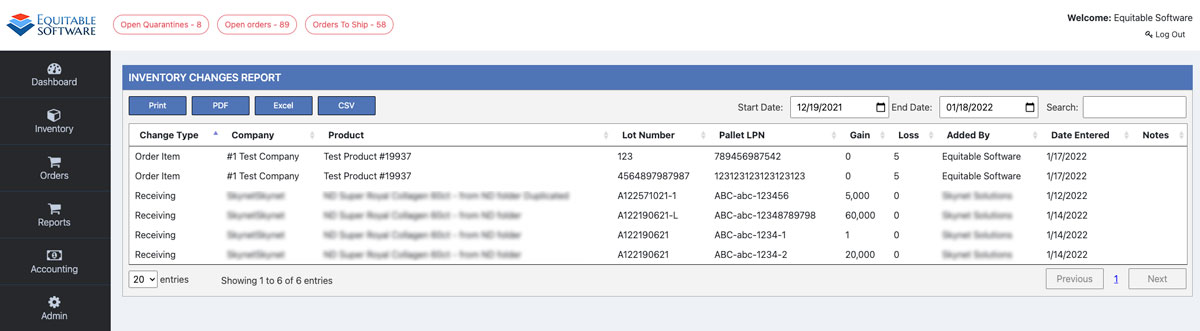
The Inventory Changes grid on this page will display all types of inventory changes made to pallets. Here are the available types of changes that
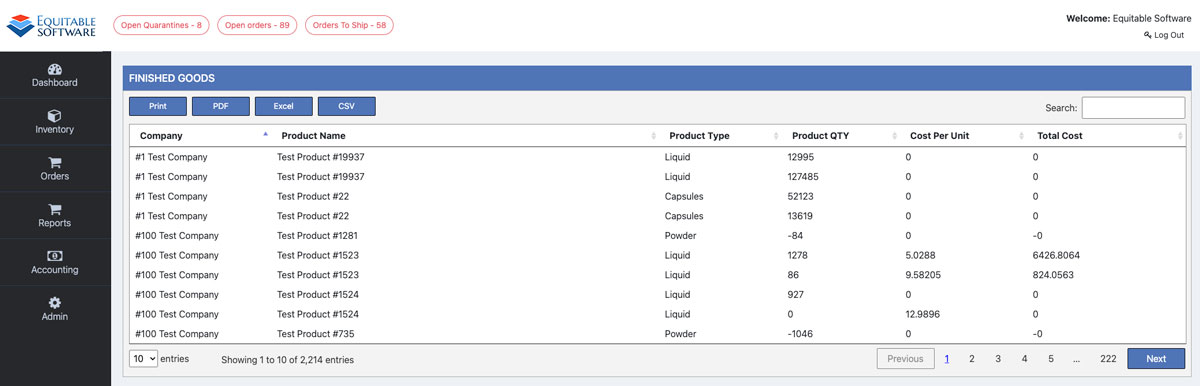
The grid contained on the finished goods page will display the cost of all the products currently in the system. Filter your results by search