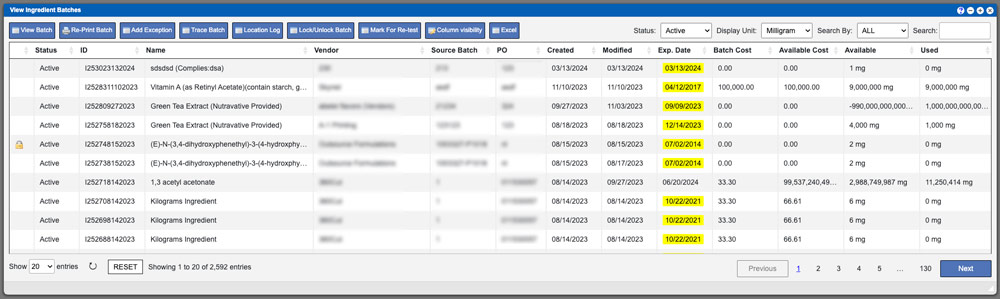
View Batches
The grid displayed will list all available Batches in the system per the type that you are viewing. These entries can be sorted by clicking

The grid displayed will list all available Batches in the system per the type that you are viewing. These entries can be sorted by clicking
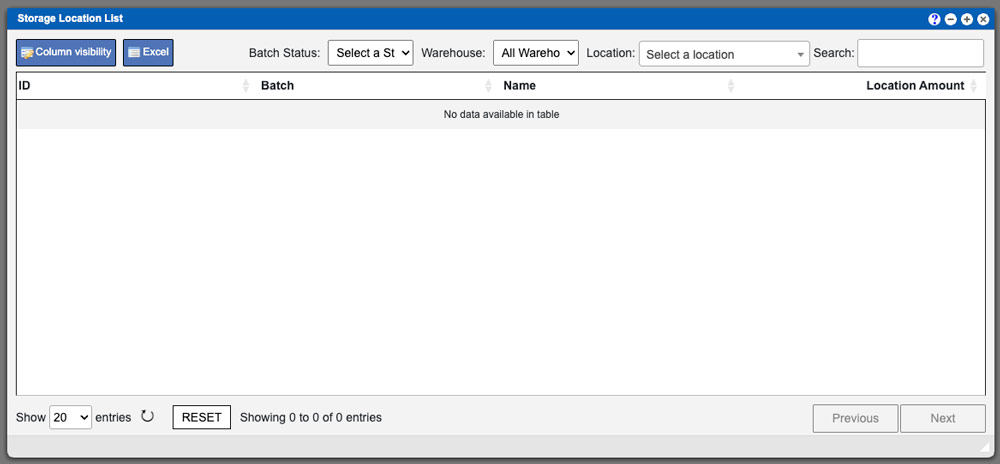
To begin with the Storage Location List process you can filter and search your grid results. Start by selecting a Batch Status (1), followed by
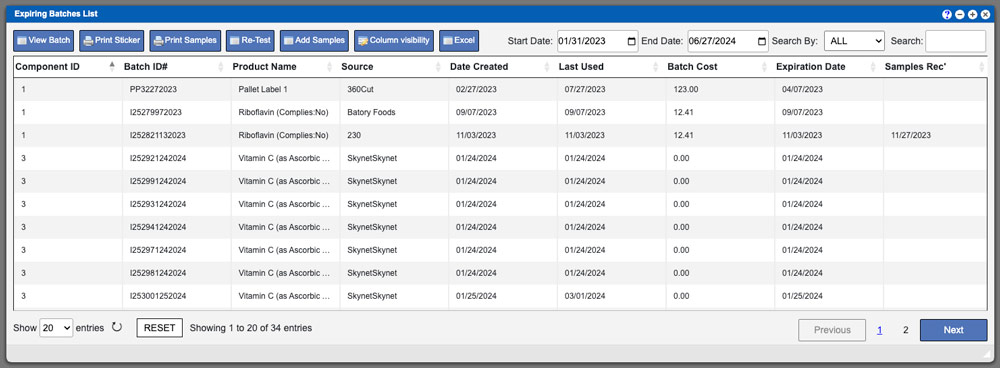
The Expiring Batches List grid will display all batches that are set to expire. To begin the process modify the Start Date and End Date
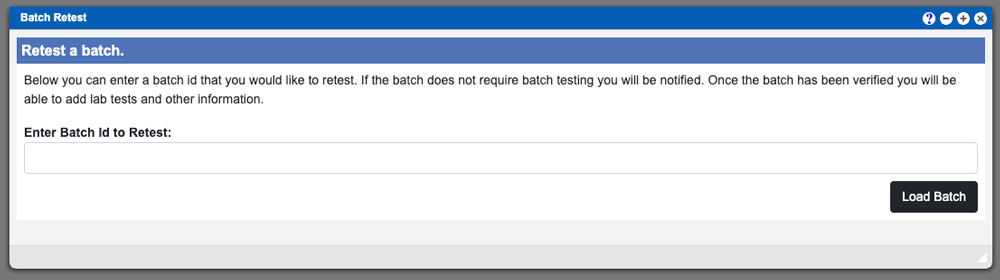
You begin the Batch Retest process by entering in a Batch ID and then clicking the “Load Tests” button located in the bottom right of
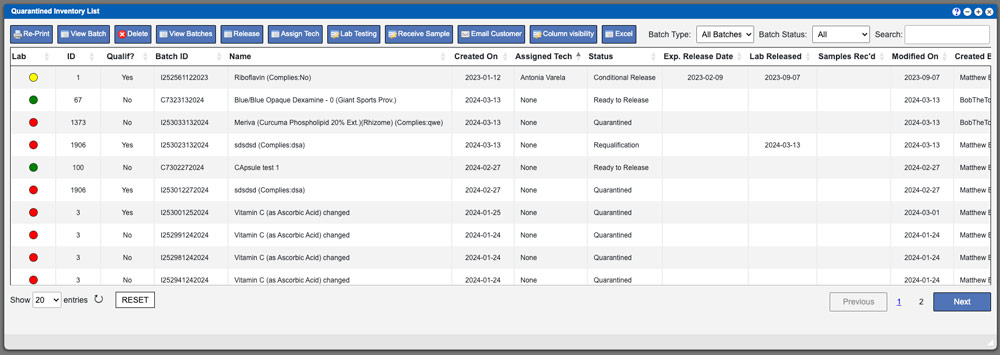
The Quarantine List window displays all batches that have been received into the system and are pending required testing. This area allows you to initiate

This troubleshooting section is intended to provide an online resource of common issues that you may encounter while using Virtual Ops. We will adding new
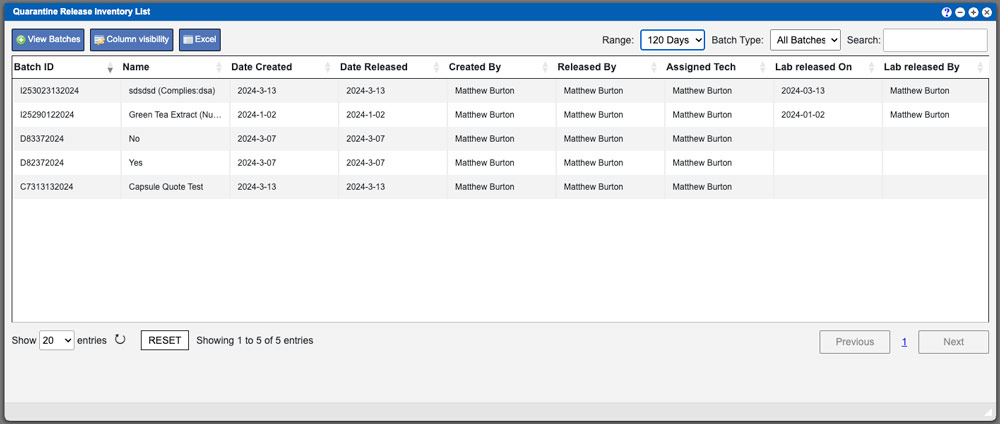
The Quarantine Release list grid will display all batches that have been released into inventory per the date range. Available date ranges are 30/60/90/120 days
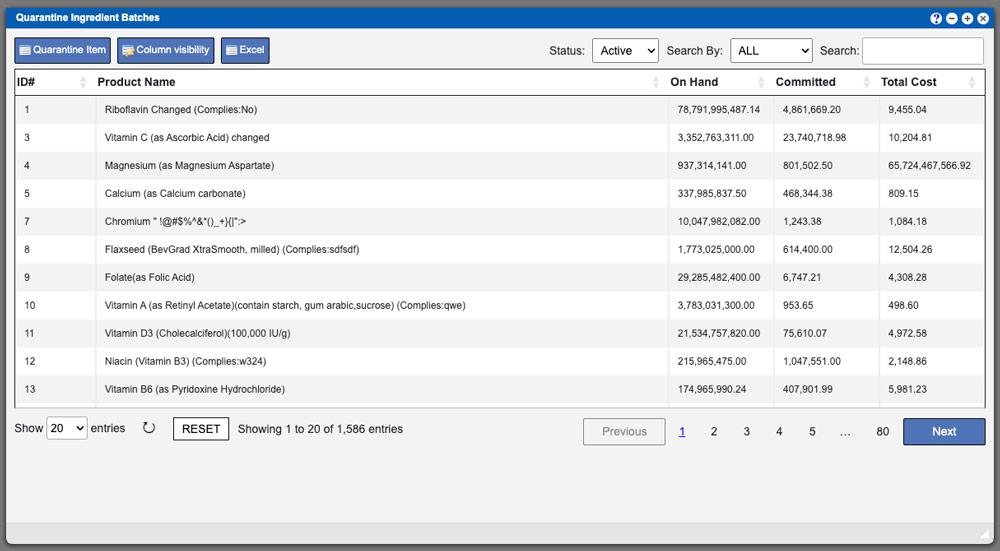
**Page content under construction for new release changes** The Quarantine Inventory grid will provide a list of entries, per the selected component, that can
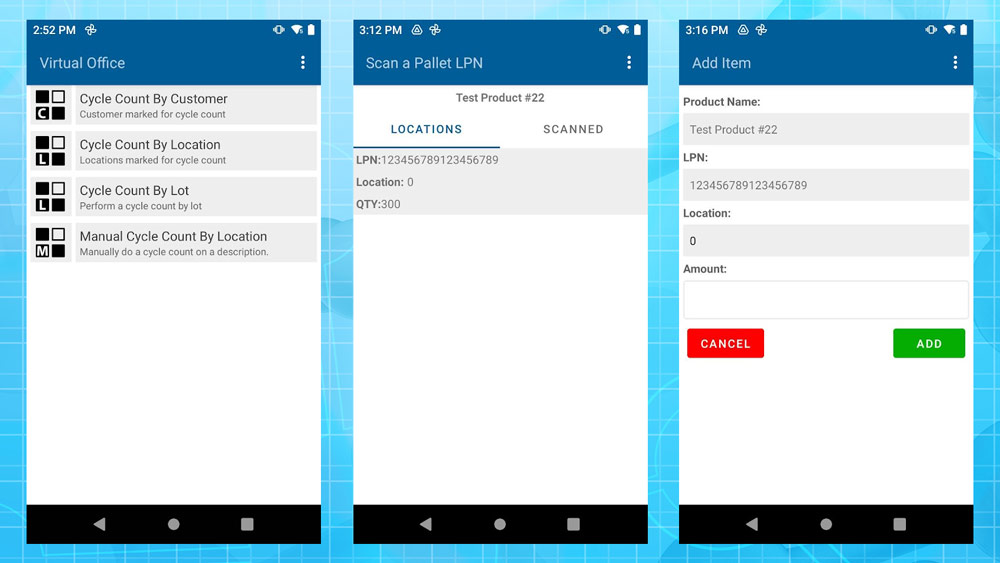
There are four (4) different Cycle Count types available for the Android scanner. A basic synopsis of those four types are listed below and further